 TGX Account
Account Login Video Tutorial (No VPN Required)
【How to Use Twitter(X) Twitter Account Token - Login Method (Computer Only)】
https://www.bilibili.com/video/BV1YcvYBeEbF/?share_source=copy_web&vd_source=ddcafba921c15617f0e6f5cf4e22e895
How to view the basic card password:

Logging out of the account and changing the password will change the token. Please do not log out of the account. If you need to exit, please clear the cache.
1. Download the extension. The extension has passed Google’s review, so you can use it with confidence.
2. Open the official Twitter website and use the extension to enter auth_token to complete the login.

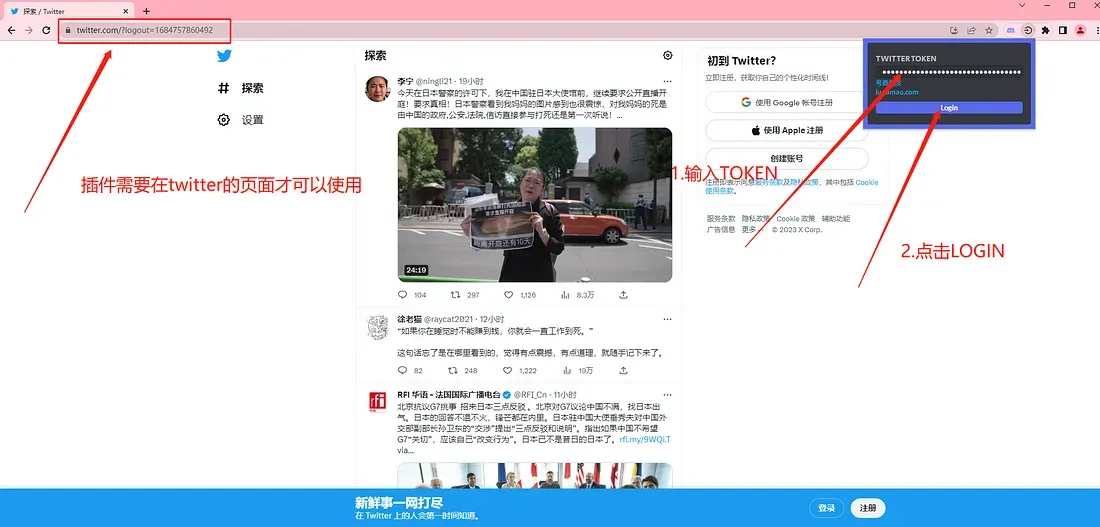
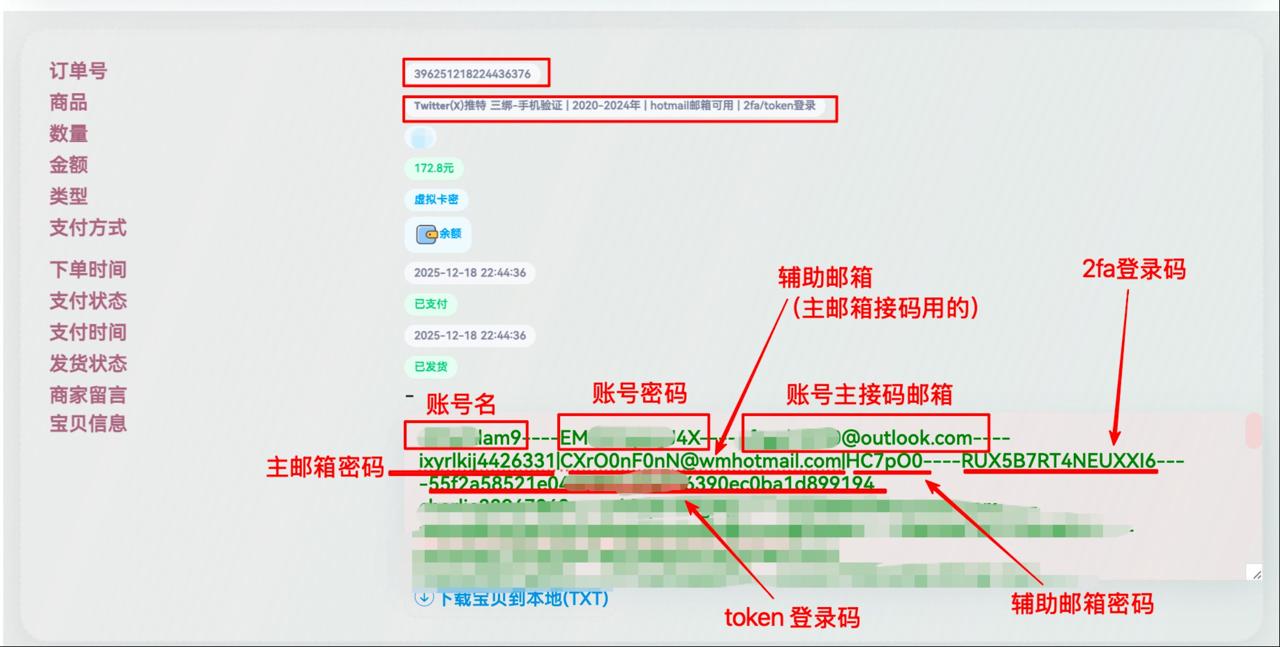
nlimectwen36——8iYVYKRlKW——[email protected]————1ceee48b0682d9b6c4fcc3a174b19bff70feb3b9
Using this account as an example, the token is 1ceee48b0682d9b6c4fcc3a174b19bff70feb3b9
Some accounts contain 2FA and tokens. Please distinguish them clearly.
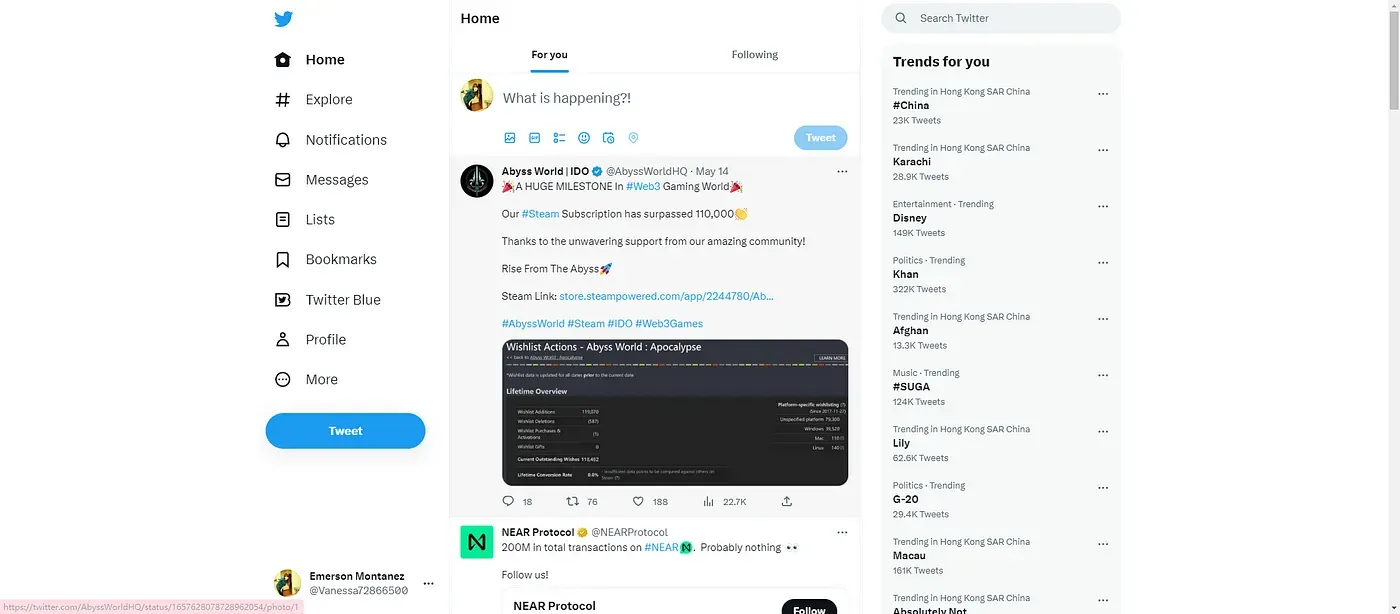
3. Redirection successful; login completed
If the redirection fails, please clear the cache first and then repeat the tutorial. The cache-clearing address is as follows:
chrome://settings/clearBrowserData
If you have any questions, please contact customer service. You can place an order yourself on the official website.
📩 Official website: https://www.tgxaccount.com
💁♀️Telegram customer service: https://t.me/tgxaccount_bot
Contact customer service for two-way blocking 2️⃣: https://t.me/tgxaccount_bot