 TGX Account
1. Visit https://telegram.org/ to access the official Telegram website and download the portable version of the program. On the homepage, select “Telegram for PC / Linux”

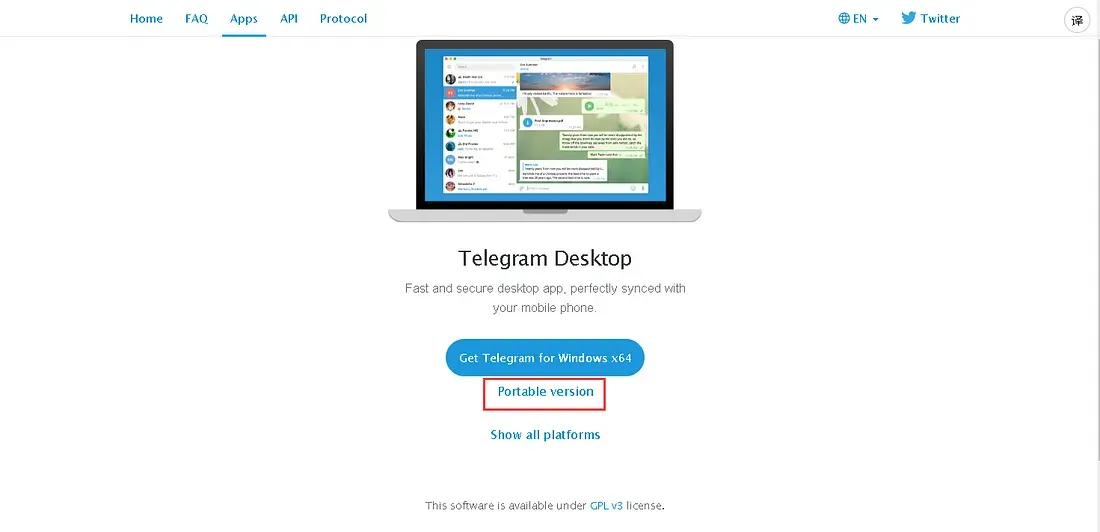
2. On the next page, select “Portable version” to download the portable version archive file to the new computer.
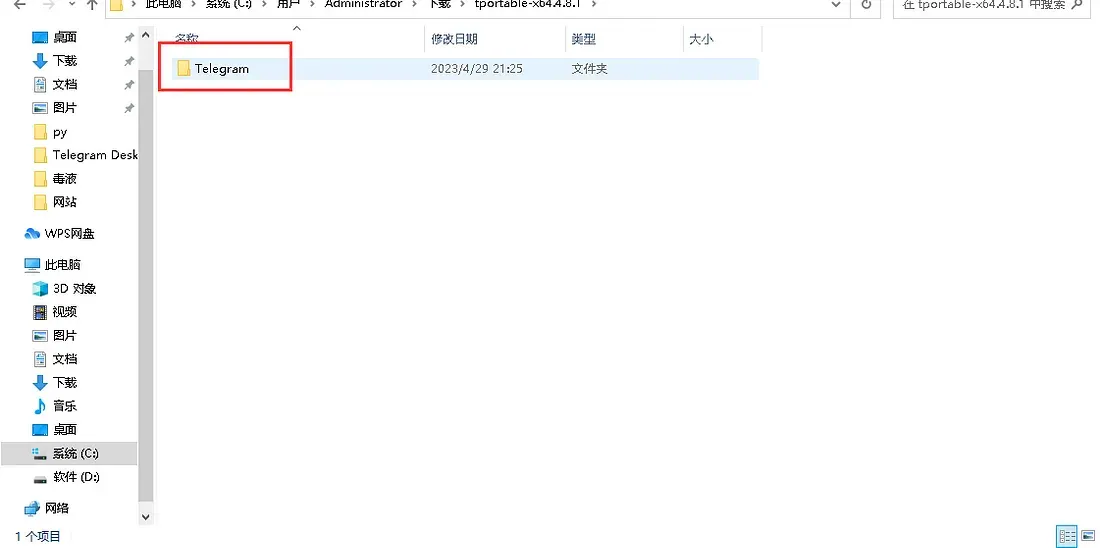
3. Extract the downloaded archive to obtain a folder named “Telegram”.
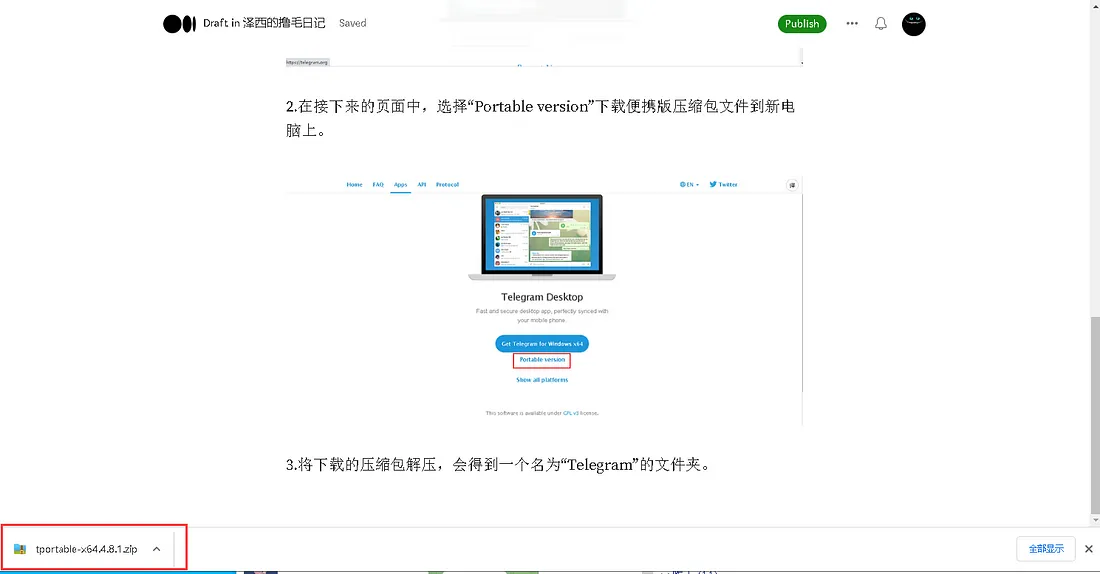
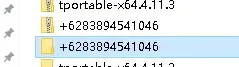
4. Open the purchased link, then download and extract it
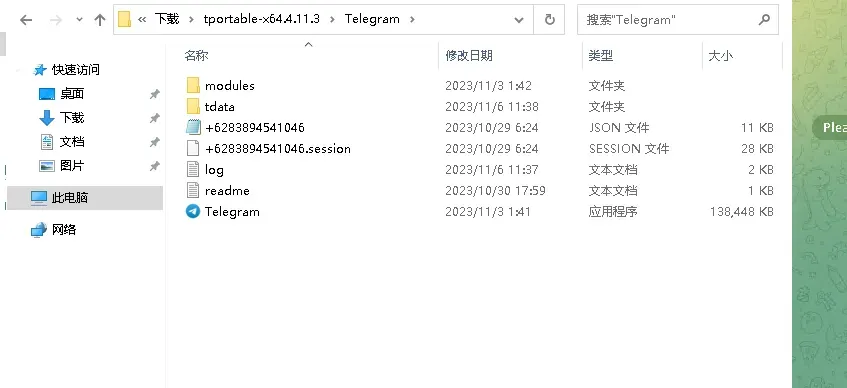
6. Open Telegram.exe in the folder
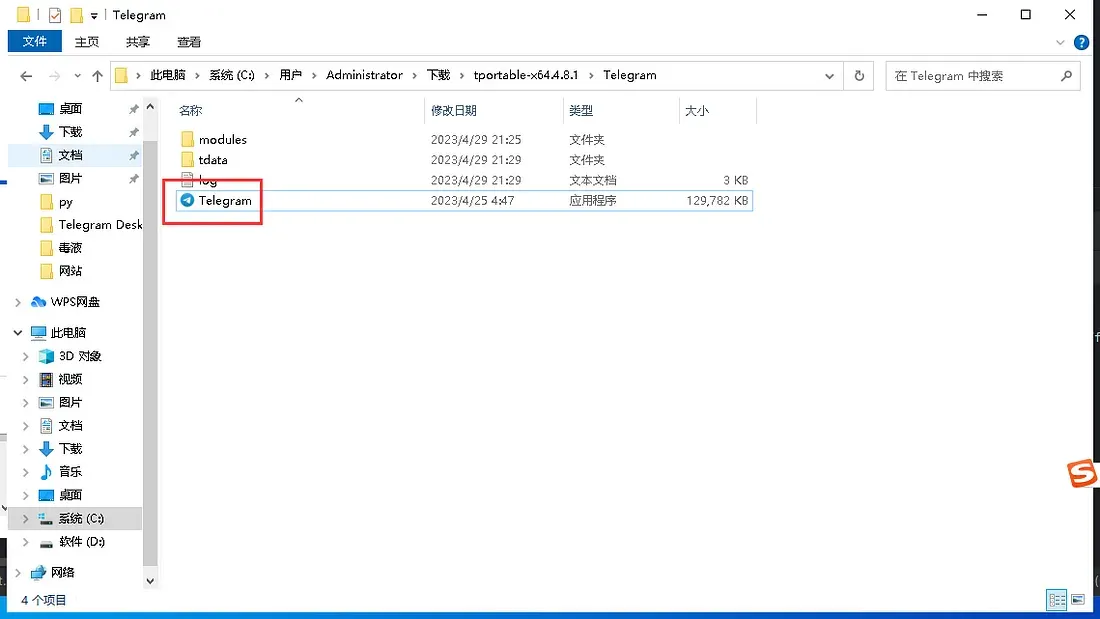
If prompted to enter a password, please find the file named password in the folder; the password is inside.
If you have any questions, please contact customer service. You can place an order yourself on the official website.
📩 Official website: https://www.tgxaccount.com
💁♀️Telegram customer service: https://t.me/tgxaccount_bot
If you are blocked from messaging each other, contact customer service 2️⃣: https://t.me/tgxaccount_bot