 TGX Account
The "282 Password" account refers to pre-made batch accounts where newly registered Instagram accounts are uniformly set with the default password "282". This design greatly facilitates management and rapid deployment, making them extremely popular in the marketing, ad-spending, and matrix operation circles. This article explains in detail what they mean, the reasons for their popularity, and provides a complete safe login + password change and binding process based on the officialTGXaccount tutorial.
Why do "282 Password" accounts exist?
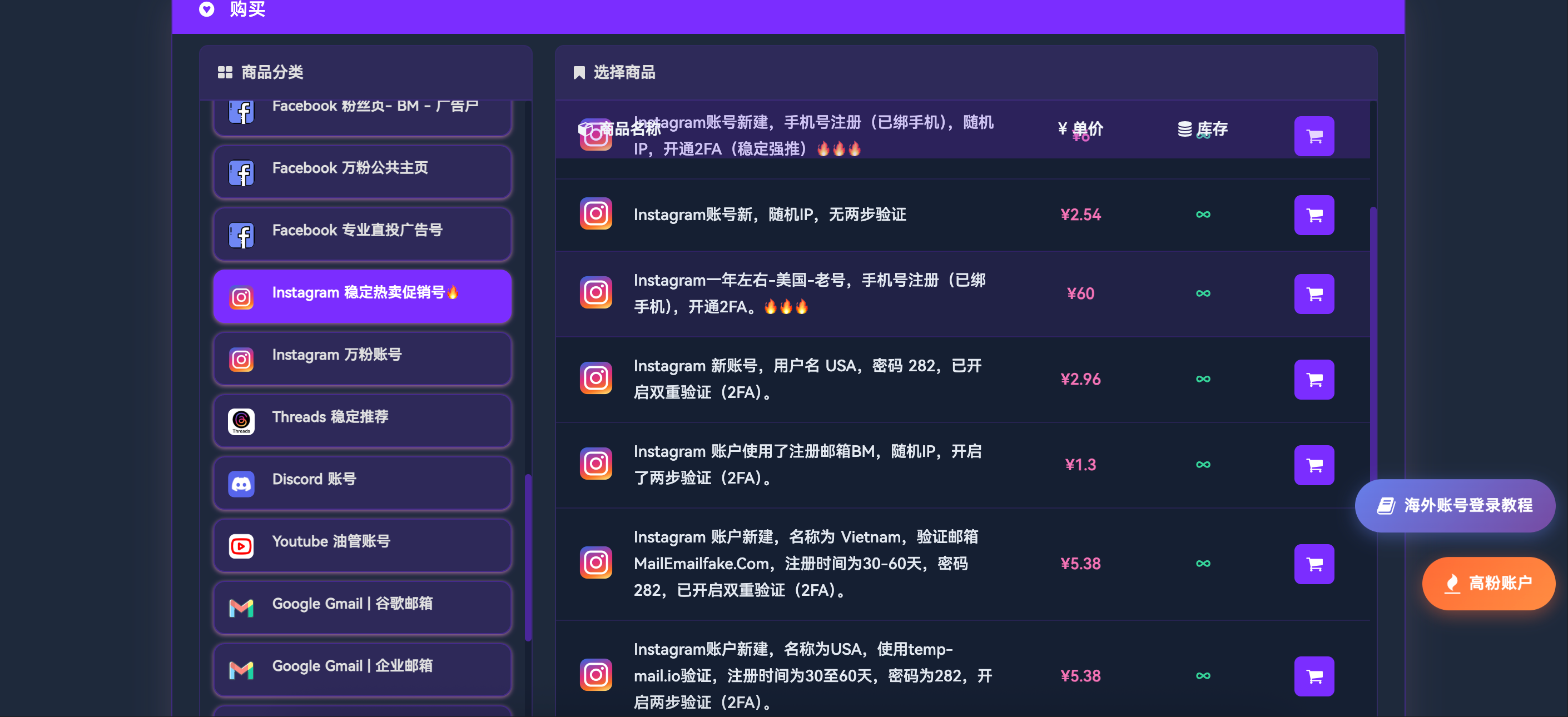
- Extremely low price: Usually one of the cheapest types among new accounts
- 2FA & phone number bound: Premium 282 accounts come with two-factor authentication and phone binding, offering stability far exceeding ordinary new accounts
- Unified password for easy batch management: Suitable for script tools and batch operations using anti-detect browsers
- Ideal for ad-spending and account warming: Low drop rate, with customer tests showing zero drops over 48 hours
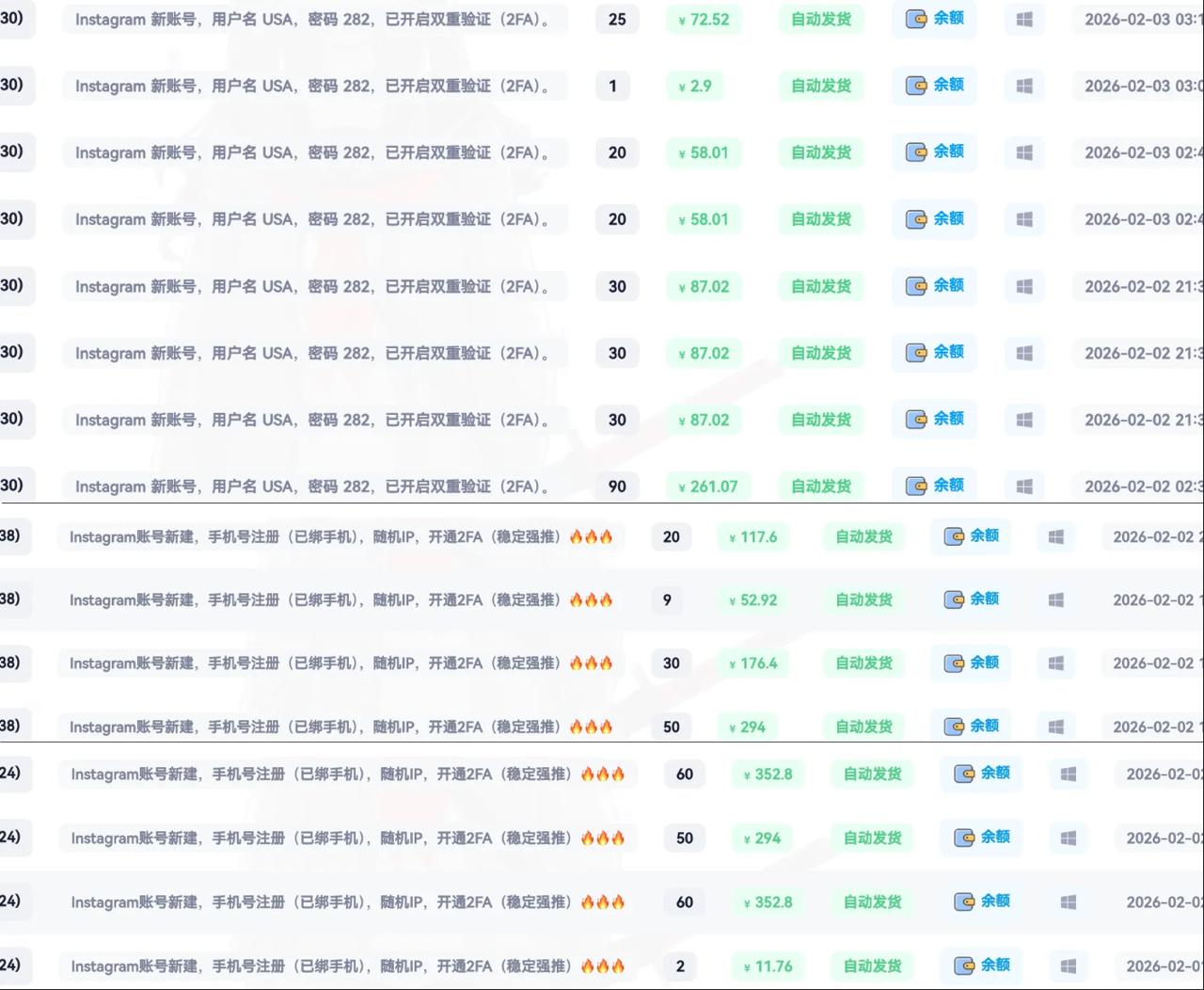
TGXaccount's "USA username, 282 password, 2FA enabled" accounts reach daily sales of 700+ accounts, and many bosses directly repurchase 50-100 accounts for their matrices after a small test of 7 accounts.
Official Recommended Complete Safe Login Tutorial (Based on 2FA Code Reception Method)
Here is the complete process officially recommended by TGXaccount:
- Open the Instagram App or visit https://www.instagram.com/
- Enter the username and password "282"
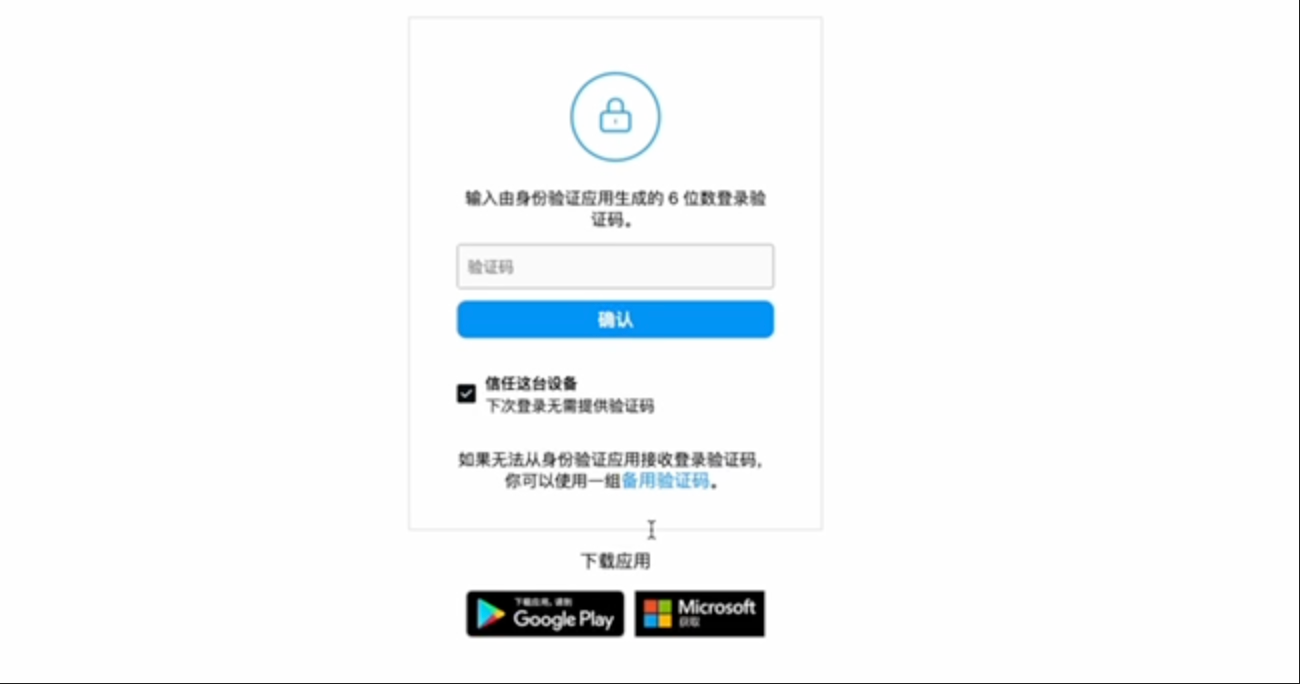
- Click Next to trigger the 2FA verification interface
- Open the verification code website:
- Recommendation 1: https://2fa.vip/
- Recommendation 2: https://2fa.run/
- Enter the 2FA code provided by the platform on the verification code website to get the 6-digit verification code
- Copy the verification code, paste it into the Instagram interface, and click Next
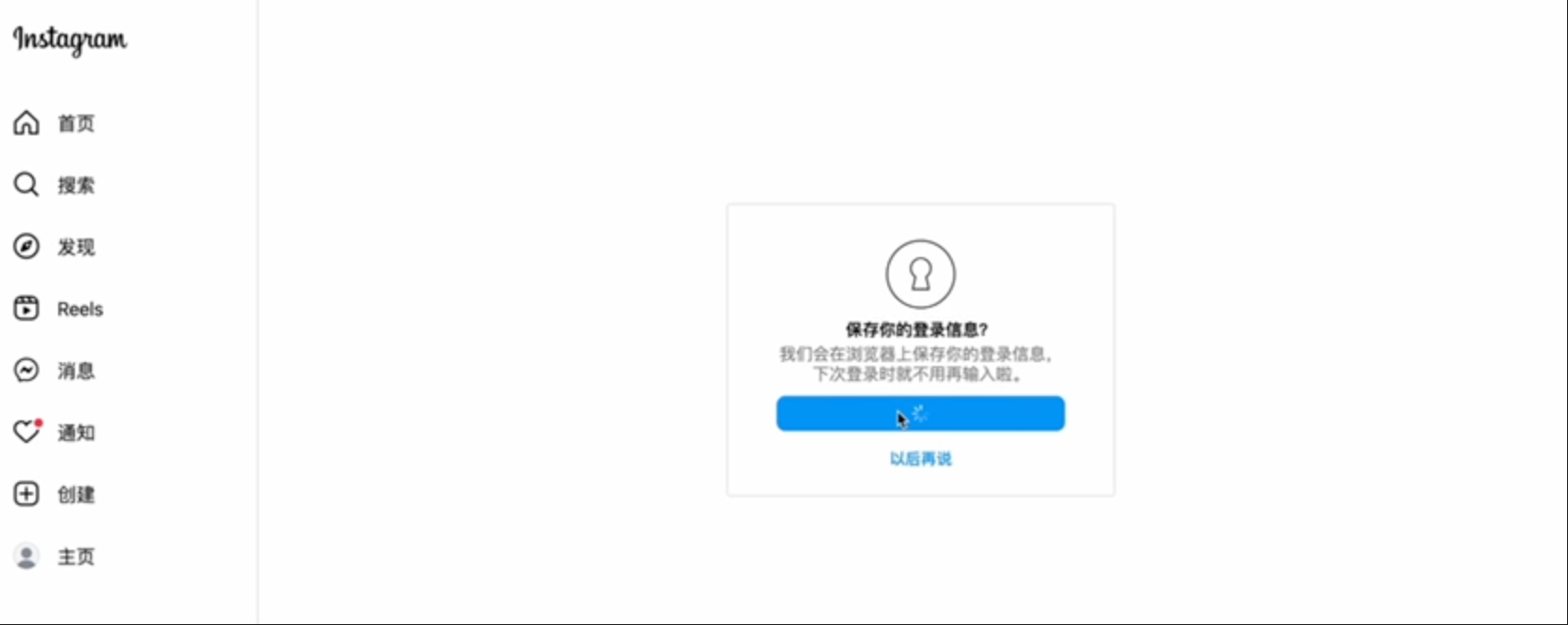
- Login successful!
Actions immediately after login: Change password %2B Binding
- Immediately after logging in, change the password to a complex one (recommended 16+ characters including symbols)
- Bind a personal email
- Enable Authenticator two-factor authentication (safer than SMS)
- Save backup codes
- Clean up any potentially lingering authorized devices
Account Warming & Pitfall Avoidance Tips
- Warm the account for over 48 hours after the initial login with light operations (browsing, liking, following a few real accounts)
- Use clean residential IPs that match the registration country
- Avoid sudden high-intensity operations
FAQ
Conclusion: 282 password accounts are the best choice for beginners and batch operations. Visit TGXaccount now to stock up!
📩 Official Website: https://www.tgxaccount.com
💁♀️Telegram Customer Service: https://t.me/tgxaccount_bot
Alternative Customer Service 2️⃣: https://t.me/tgxaccount_bot