 TGX Account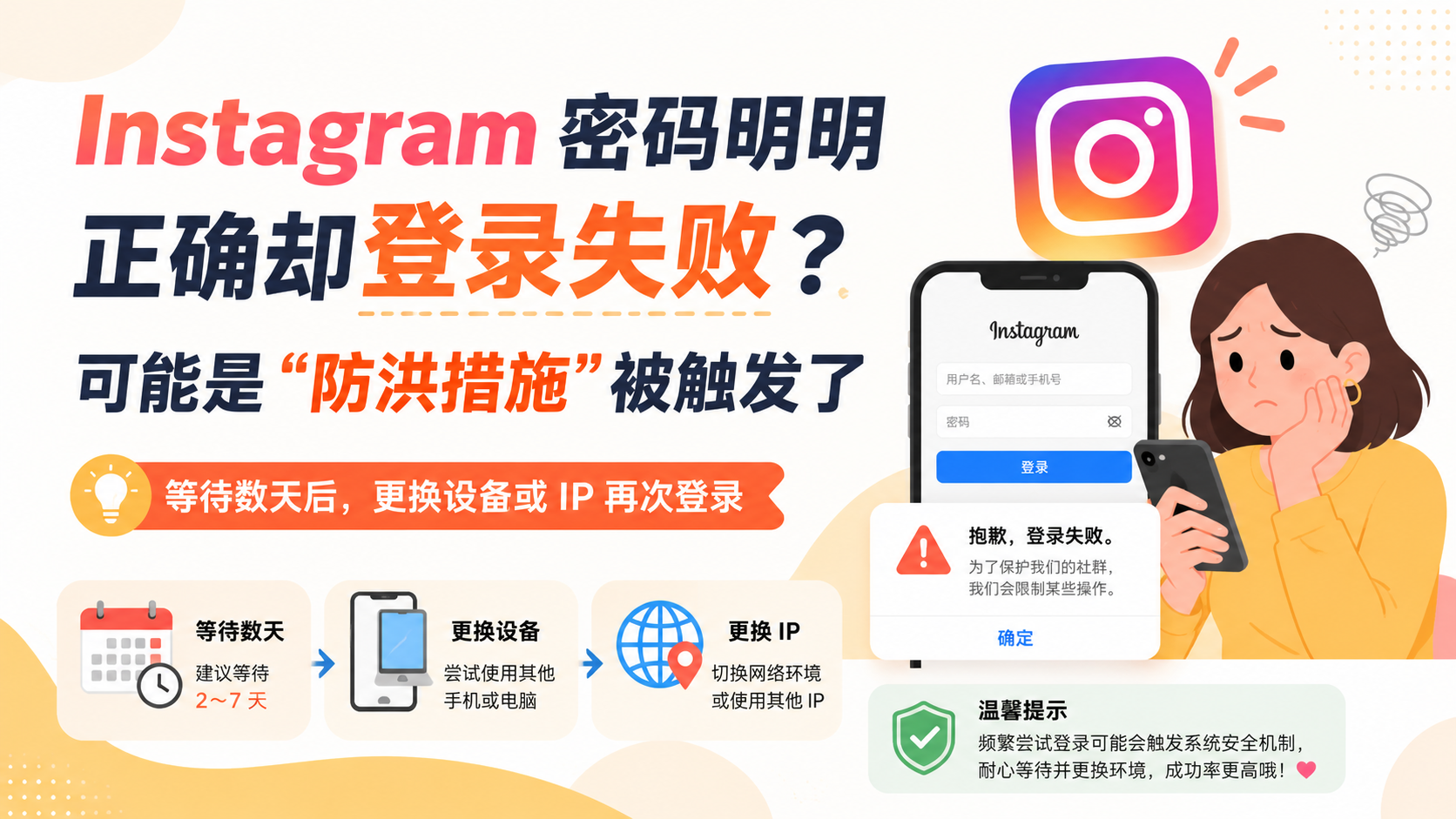
Have you ever encountered this situation?
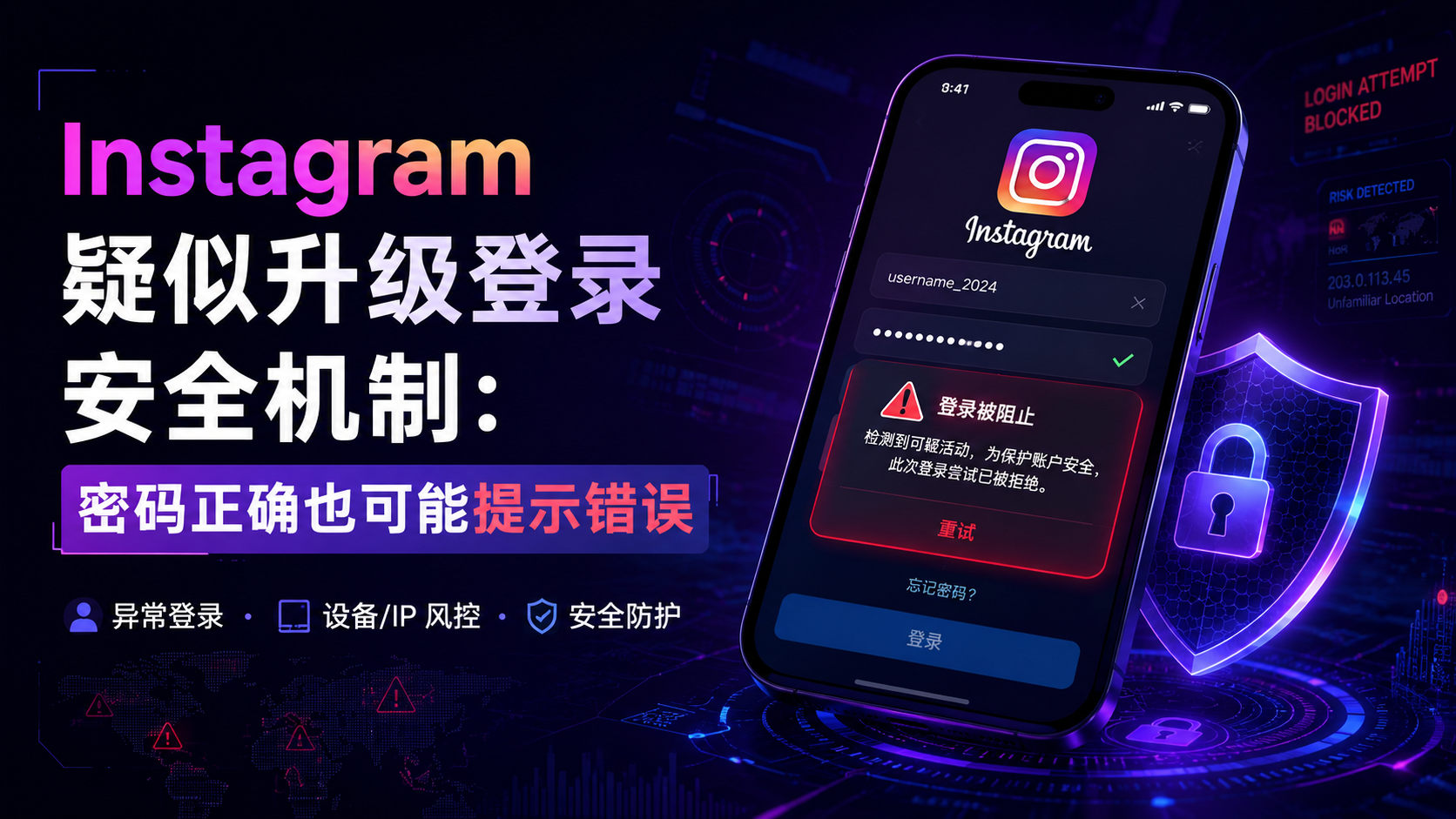
Neither the Instagram username nor the password has been changed, and you have double-checked them when entering, but the system still prompts "Incorrect password." After re-entering a few times, the account still cannot be logged in, and even resetting the password does not immediately solve the problem.
This situation doesn't necessarily mean the password is actually wrong; it could also be that Instagram's security protection system has detected abnormal login behavior.
Why can a correct password still be judged as incorrect?
When the platform detects an unfamiliar device, an unusual IP address, frequent logins, or a large number of requests in a short period of time, the system may temporarily block the current login attempt.
To prevent attackers from determining whether an account exists or whether the password is close to being correct, the platform will not explicitly tell the person logging in: "Your device or IP has been restricted."
Instead, the system may directly return the vague prompt "Incorrect password."
Some users refer to this mechanism as "flood protection." The "flood" here can be understood as a large number of, continuous, or abnormal login requests.
Common Trigger Reasons
First, repeatedly entering the password in a short period of time. Many users, upon seeing a login failure, will immediately try a dozen times consecutively, but this operation may instead be recognized by the system as a brute-force attack.
Second, frequently changing IP addresses. For example, constantly switching VPN nodes, where the previous login appeared in Asia and a few minutes later changed to Europe or North America, easily triggers security checks.
Third, logging in with a new device. A new phone, a new computer, a new browser, or logging in again after clearing cookies can all be regarded by the system as an unfamiliar environment.
Fourth, managing a large number of accounts simultaneously. Frequently switching between multiple Instagram accounts, especially operating under the same device or the same IP, may increase the probability of triggering restrictions.
Fifth, using third-party applications. Some automated liking, automated following, group-control, or account management tools will generate abnormal requests, thereby attracting the platform's risk control.
Correct Solutions
When encountering this situation, the first step is to stop making repeated attempts. Do not submit passwords continuously, nor frequently send verification codes or repeatedly modify passwords.
Next, you can wait for a few days to let the temporary security restrictions lift automatically. During this period, try to avoid continuing to switch devices, VPN nodes, or login regions.
When trying again, you can change your device or IP address, but you should choose a stable and trusted network environment. Prioritize using a device that has previously logged into the account, as this usually makes it easier to pass platform verification.
If you must change your network, it is recommended to use a normal home network or mobile data rather than constantly changing public proxy addresses.
In addition, you should check the account's bound email. If Instagram detects suspicious logins, it may send a security email asking the user to confirm the login activity or complete identity verification.
Operations Not Recommended
Do not purchase so-called "forced unlock services", and do not provide account passwords, email verification codes, or two-factor authentication codes to strangers.
Do not continuously modify passwords in a short period of time. Frequent password changes can make the problem more complicated and may also result in all logged-in devices being logged out.
Do not use third-party software of unknown origin to try to log in. Even if it succeeds temporarily, it may lead to subsequent account restrictions.
How to reduce the probability of triggering it again?
After the account is recovered, you should try to keep your device and network environment stable. Enable two-factor authentication, save backup verification codes, and ensure that the bound email can receive emails normally.
When operating Instagram accounts, you should reduce a large volume of operations in a short period of time, avoid frequently switching IP addresses with obvious regional differences, and do not log into the same account simultaneously across multiple untrusted tools.
When Instagram displays "incorrect password", do not immediately assume the account has been hacked. First confirm whether the password is correct, and then determine whether there are anomalies in the device, IP, or operation frequency. Many temporary login restrictions have a chance to return to normal after waiting a few days and changing to a suitable login environment.