 TGX Account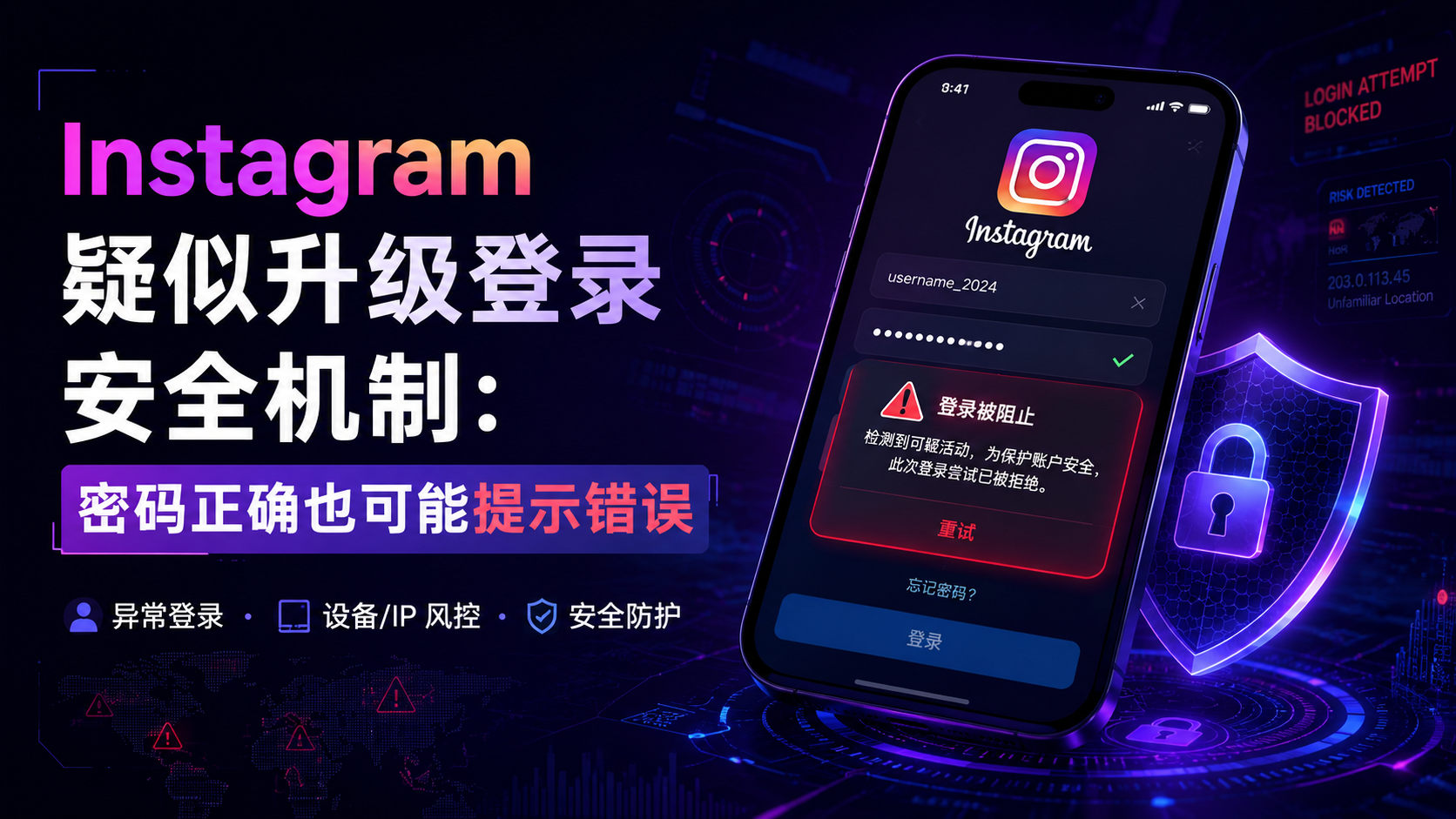
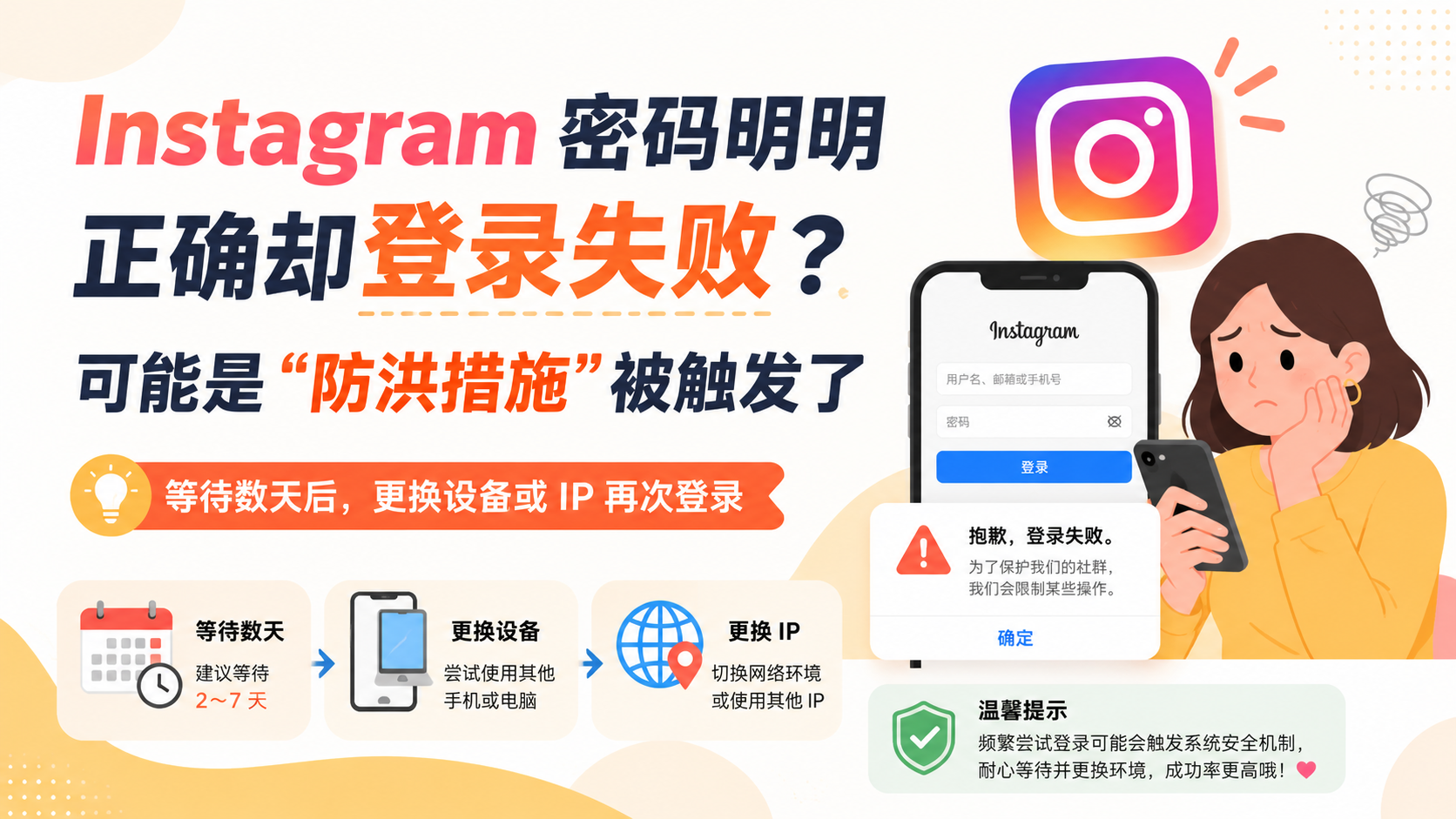
Recently, some Instagram users have encountered a specific issue when logging into their accounts: even when the entered username and password are completely correct, the system still displays "Incorrect password," temporarily preventing users from accessing their accounts.
According to feedback from affected users, this phenomenon may be related to Instagram's new security protection mechanism. When the system detects anomalies in the login device, IP address, region, or operation frequency, the platform may not directly prompt "abnormal login environment," but instead uniformly display "Incorrect password."
This mechanism is referred to by some users as an "anti-flood measure."
What is an "Anti-Flood Measure"?
The so-called "anti-flood measure" mainly refers to the restrictive measures taken by the platform against a large number of login requests in a short period of time, frequent device switching, abnormal IP addresses, or suspected automated operations.
Its purpose may include:
Preventing hackers from batch-testing account passwords, reducing the risk of account theft, blocking automated tools from frequently initiating login requests, and concealing the specific judgment results of the platform's risk control system.
Therefore, even if the password entered by the user is correct, as long as the current login environment is judged by the system to be high-risk, they may still receive an "Incorrect password" prompt.
Which situations are prone to triggering restrictions?
Users are more likely to encounter similar issues in the following situations:
- Continuously attempting to log in within a short period of time;
- Frequently switching between multiple Instagram accounts;
- Logging in using a brand new phone or browser;
- Sudden changes in IP address, country, or region;
- Frequently turning on or switching VPNs and proxy networks;
- Using third-party tools to log in or manage accounts.
It should be noted that the system displaying "Incorrect password" does not necessarily mean the password has actually been changed; it may simply indicate that the current device or network environment is temporarily restricted.
What should you do when you encounter this problem?
Once this situation occurs, it is not recommended to continue making frequent login attempts. Submitting consecutive login requests may extend the system's restriction duration.
Users can pause operations for a few days, and then log back in using a new device or a new, stable IP address. If conditions permit, it is also preferable to use a frequently used device and network that have successfully logged into the account before.
At the same time, check if the registration email has received a security alert from Instagram, and confirm whether there is any unusual activity such as login from a different location, password changes, or other abnormal activities.
If the account still cannot be logged into, you can handle it through Instagram's official password reset or account recovery process.
Account Security Still Needs Attention
For ordinary users and social media operators, a stable login environment is becoming increasingly important. Frequently changing devices, networks, and login regions may increase the probability of the account being flagged as abnormal by the system.
It is recommended that users enable two-factor authentication, bind a valid email address and mobile phone number, and minimize the use of third-party login tools of unknown origin.
When the system prompts "incorrect password", in addition to checking the password itself, you should also consider whether the platform's security risk control mechanism has been triggered.