 TGX Account
Your iPhone Actually Hides a "Parallel World"
—Complete Guide to Changing App Store Region
No need to register a new account, just change your address to unlock the global app treasures of the US, Japan, Hong Kong, and more. Includes FAQ + overseas account solutions.
🌍 Why Switch Your App Store Region?
Have you ever envied apps on other people's phones that you couldn't search for? It's not that your phone doesn't have them, it's that your App Store is still stuck in "local mode".
Many popular apps—such as certain VPNs, international versions of TikTok, overseas banking apps, and even Google's suite of apps—cannot be found in the China store at all. They aren't non-existent; they're just "hidden" in stores of other regions.
Switching regions = Opening another door. Completely legal, officially supported by Apple, no jailbreak required, and your existing data won't be affected.
🛠️ Steps (No New Account Needed, Just Change Address)
Go to Apple ID Settings
Open "Settings" → Tap your name at the top → Tap "Media & Purchases" → "View Account"
Change Country/Region
Tap "Country/Region" → "Change Country or Region" → Select the target region (Recommended: US, Japan, Hong Kong)
Fill in Local Address Information
The system requires a billing address for the corresponding country. Select "None" as the payment method, and use an online generator for the address. Simply Google search "Oregon random address" and paste a correctly formatted address.
Complete the Switch, Search, and Download
After a successful switch, reopen the App Store, search for the App you want, and enjoy downloading!
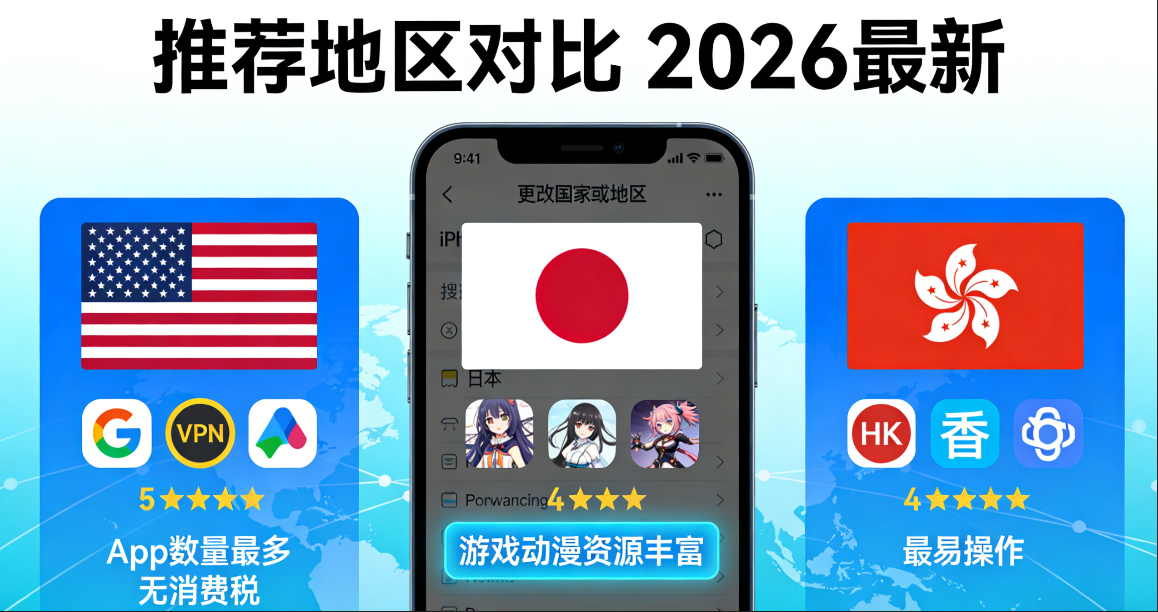
🗺️ Recommended Regions Comparison
| Region | App Resources | Payment Difficulty | Recommendation Rating |
|---|---|---|---|
| 🇺🇸 USA | ★★★★★ Most abundant | Gift cards available | ⭐⭐⭐⭐⭐ |
| 🇯🇵 Japan | ★★★★☆ Strong in games/anime | Gift cards available | ⭐⭐⭐⭐ |
| 🇭🇰 Hong Kong | ★★★☆☆ Balanced | Easiest to operate | ⭐⭐⭐⭐ |
| 🇸🇬 Singapore | ★★★★☆ Strong in Southeast Asia | Gift cards available | ⭐⭐⭐ |
⚠️ Important Notes
- After switching regions, previously purchased apps and subscriptions will not disappear, but some subscription features may be restricted.
- If paid purchases are required, it is recommended to prepare a gift card for the corresponding region (available on Taobao)
- Frequently switching regions may trigger Apple's risk control; it is recommended to use it stably for a period of time after switching
- Some apps require an overseas phone number or account to function properly after downloading
It is recommended to wait at least 2 to 4 weeks after each region switch before considering another switch, to avoid triggering Apple's account anomaly detection mechanism.
🔗 What to do with your account after downloading?
Downloading overseas apps is just the first step. Many platforms (such as Telegram, Twitter/X, TikTok) require overseas phone number verification for registration and use. The registration process is cumbersome, and new accounts are easily flagged and banned by platform risk control.
If you want to save yourself the hassle and directly use a warmed-up, high-authority, ready-to-use overseas account, we recommend:
🌐 TGX Account — Professional Overseas Social Media Account Platform
Professionally providing high-quality accounts for platforms such as Telegram, Twitter, YouTube, Gmail, TikTok, and Instagram. Trusted by over 10,000 users. Accounts undergo professional warming ➕ risk-control testing, ensuring stability, durability, and immediate usability upon purchase.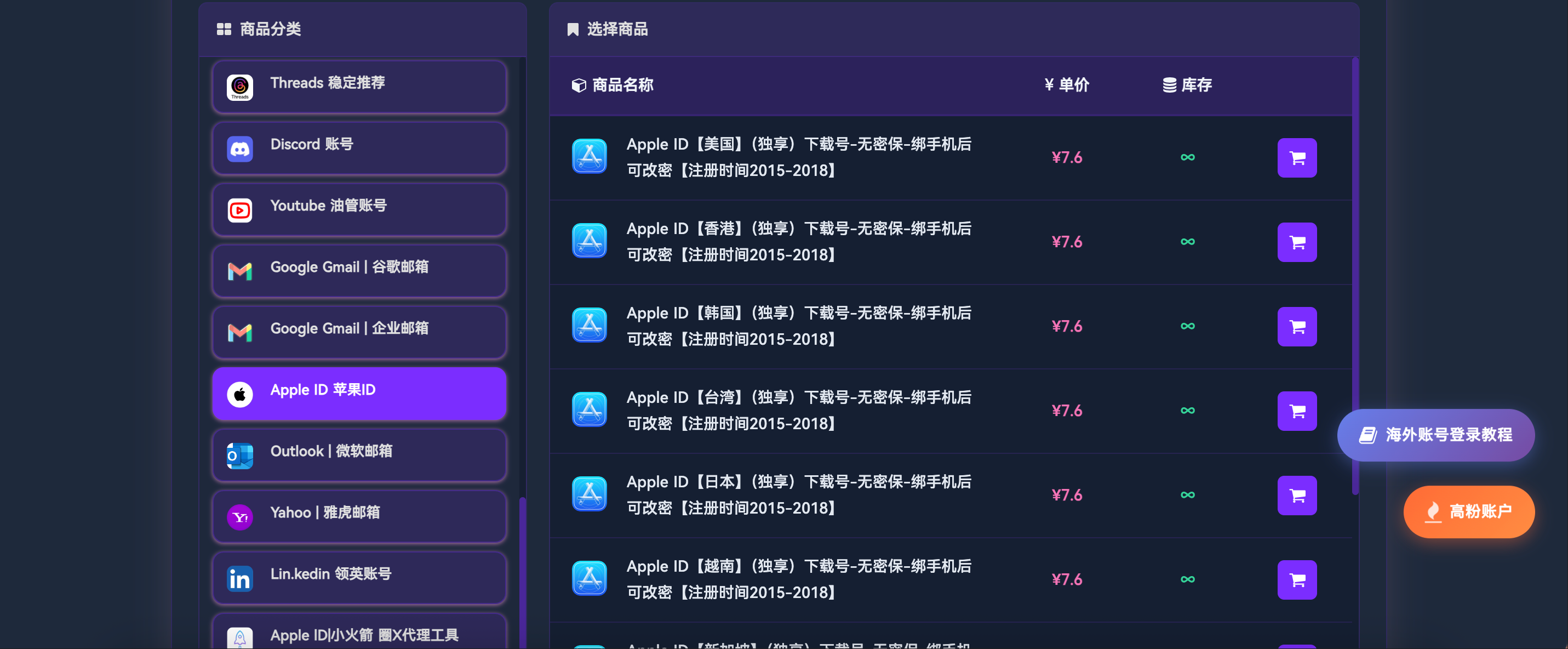
❓ Frequently Asked Questions (FAQ)
Here are the most frequently asked questions by users about changing the App Store region. Click to expand and view detailed answers.