 TGX Account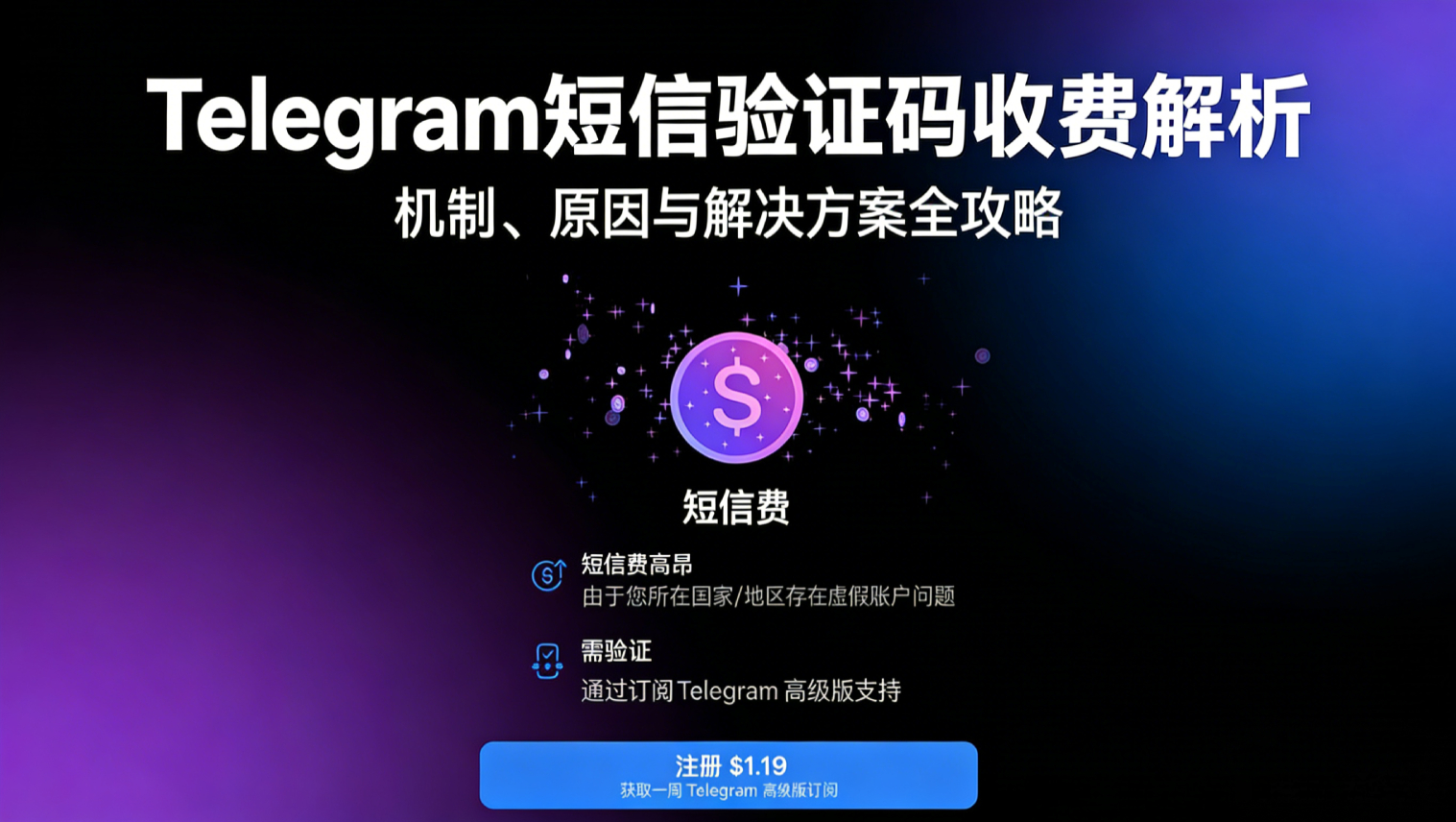
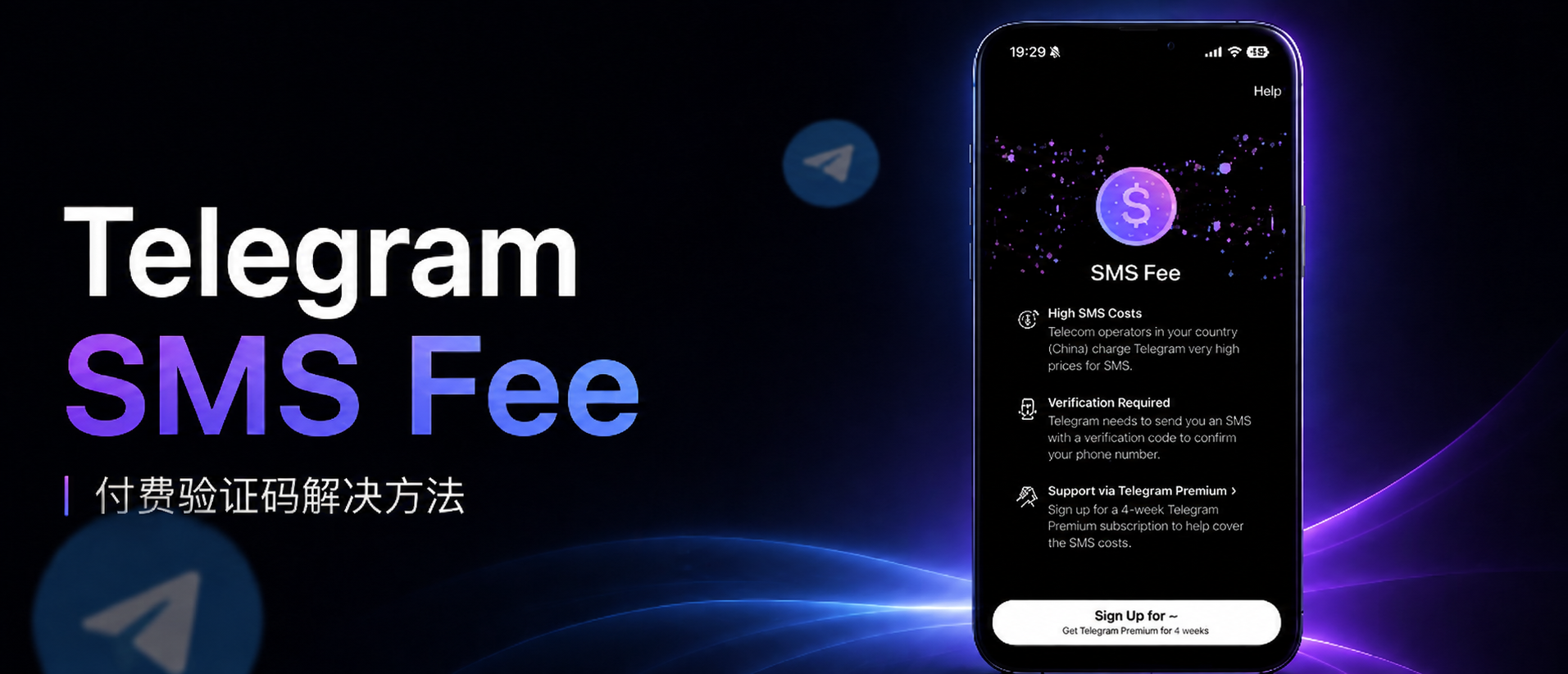
As Telegram users continue to grow, more and more users encounter verification code issues during registration and login. In addition to the common "not receiving the verification code," some users have recently been blocked by the SMS Fee page: the system prompts that if the verification code is obtained via SMS, a certain fee needs to be paid, but the page usually lacks any payment portal, leaving users trapped in a login dilemma.
1. What is Telegram SMS Fee? Why does it appear?
Telegram's SMS Fee is essentially a risk control mechanism, rather than a simple global charging policy. Since the second half of 2024, Telegram has gradually enabled the paid SMS verification feature for specific regions and specific login scenarios.
When the system determines that the verification code request carries high risk, it will require the user to:
-
Pay a fee for SMS verification
-
Or subscribe to Telegram Premium to get the verification code
Telegram's design intention is to balance SMS costs and account security, rather than to penalize users.
Common trigger scenarios:
-
Logging in on a new device or system
-
Frequently switching IP or network environments
-
Multiple requests to resend the verification code
-
High SMS costs in the region where the phone number is located
-
Frequent historical registrations with the phone number
⚠️ Note: SMS Fee is different from the issue of not receiving verification codes. If it only prompts "Verification code sending failed" or "Unable to receive verification code" without any fee prompt, it is a network or device issue and is not covered by SMS Fee.
2. How to bypass the Telegram SMS fee page?
The following methods are compiled based on user feedback and practical experience, suitable for different devices and network environments:
1. Adjust network or reinstall the app
-
Switch VPN or proxy to another country
-
Completely close the app and restart it
-
Or reinstall Telegram
⚠️ Low success rate, requires multiple attempts. The success rate for iOS users is slightly higher than for Android.
2. Prioritize in-app verification codes
-
If Telegram is still logged in on an old device or PC, you can select "Send code to this device"
-
The verification code will be pushed directly to the app messages
⚠️ Not valid for new users registering an account for the first time
3. Use Telegram X or Direct version
-
Download the official Telegram X or Direct APK
-
Certain versions may trigger different verification logic, bypassing the fee page
4. Use the Old Official Client
-
Android users can search for “Telegram APK” and install an older version of the client
-
The older version may not have received the latest payment logic
III. Reasons You Still Cannot Receive the Verification Code After Bypassing the Payment Page
Even after bypassing the SMS Fee page, the verification code may still fail to arrive. Common reasons include:
-
The carrier blocks international SMS messages
-
Delays or loss in Telegram's SMS channel
-
The phone number has been registered frequently in the past
-
The network environment has a high risk level
⚠️ These issues are related to the phone number or network layer and have nothing to do with Telegram's verification channel.
Maintaining stable usage habits over the long term (not frequently switching devices or IPs and avoiding repeated requests for verification codes) can reduce the likelihood of triggering risk controls. Subscribing to Telegram Premium can also provide stable verification code services.
IV. FAQ: Common Questions About Telegram SMS Verification
1️⃣ What is the Telegram SMS verification code fee?
Telegram SMS Fee is a risk-control mechanism set by Telegram for high-risk login requests, used to balance SMS costs and account security. Some users may see a prompt stating that “the SMS verification code requires payment” when registering or logging in on a new device.
Core keywords: Telegram SMS Fee, SMS fee, verification code, Telegram Premium
2️⃣ Why am I not receiving the Telegram verification code?
Verification codes may fail to arrive for various reasons:
-
Local carriers block international SMS
-
Telegram SMS channel delays or message loss
-
The phone number has been registered or verified too frequently in the past
-
Abnormal network environment or frequent IP switching
Suggested solutions: Try using an old device to receive in-app verification codes, adjust the network, or subscribe to Telegram Premium.
Core keywords: Telegram verification code, verification code not received, SMS Fee
3️⃣ How to bypass Telegram SMS verification code charges?
Common methods include:
-
Switch VPNs or proxies
-
Restart or reinstall the app
-
Use an old device to receive in-app verification codes
-
Download Telegram X or an older APK client
⚠️ The success rate varies depending on the device and network environment.
Core keywords: Telegram SMS Fee, bypassing charges, verification code
4️⃣ Can Telegram Premium solve verification code issues?
Yes, subscribing to Telegram Premium can bypass some SMS Fee verification restrictions, provide stable verification code delivery, and offer advanced features.
Core keywords: Telegram Premium, stable verification codes, SMS Fee
5️⃣ Why can’t I receive the verification code even after bypassing the payment page?
Possible reasons include:
-
Carrier interception or SMS delays
-
The phone number has a history of frequent registrations
-
High-risk network environment
Long-term stable use can reduce the likelihood of triggering risk controls.
5. Summary and Recommendations
-
Understand the mechanism: SMS Fee is a risk-control measure, not a punishment.
-
Try bypassing it: adjust the network, use in-app verification codes, or try Telegram X or an older client version.
-
Long-term strategy: maintain stable registration behavior, reduce frequent requests, and subscribe to Telegram Premium when necessary.
📩 Official website: https://www.tgxaccount.com
💁♀️Telegram customer service: https://t.me/tgxaccount_bot
Two-way customer service contact 2️⃣: https://t.me/tgxaccount_bot