 TGX Account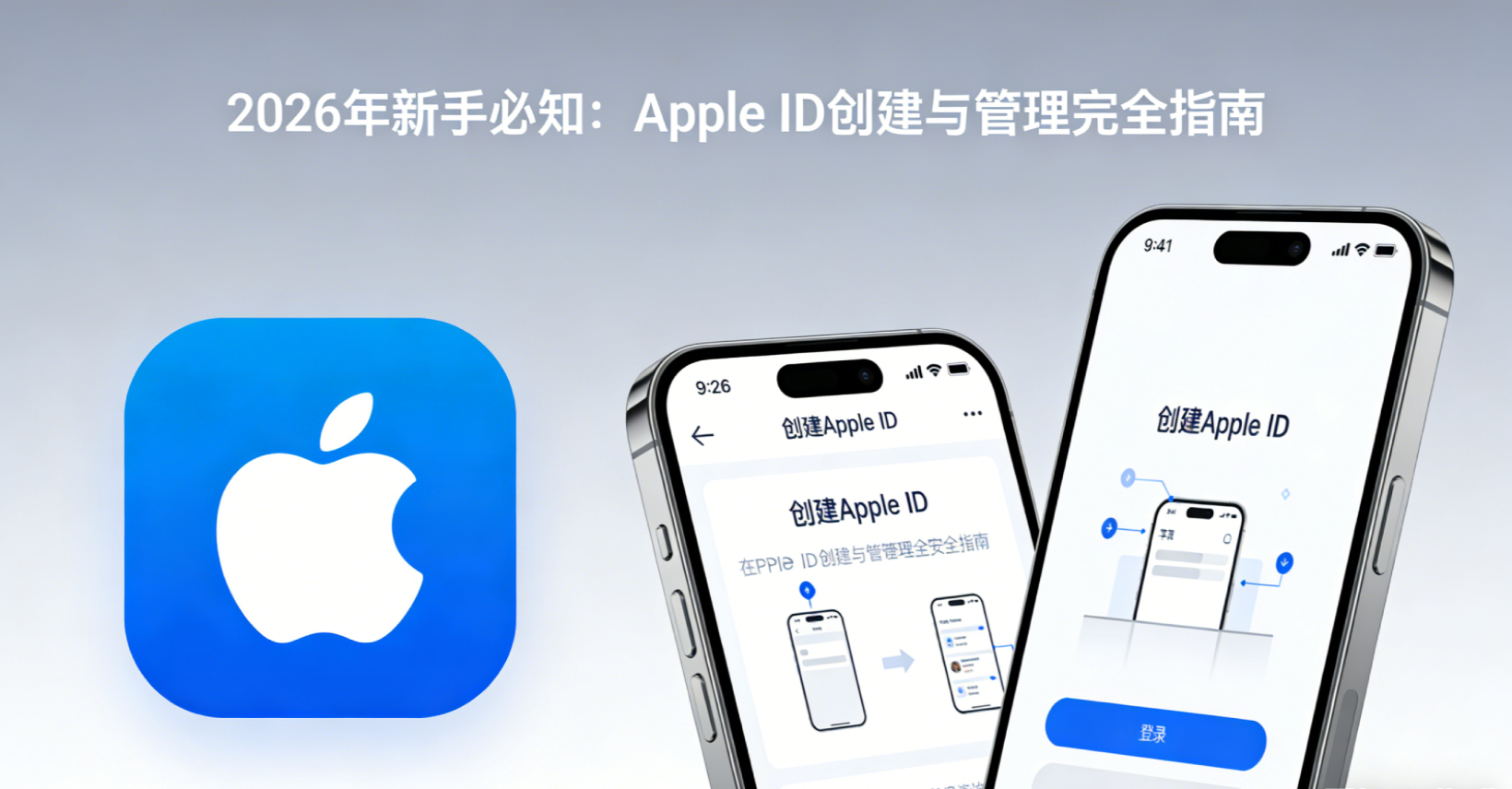
In the digital age, an Apple ID has become an essential digital identity for Apple users. Whether downloading apps, using iCloud cloud services, or enjoying subscription services like Apple Music and Apple TV, this account is indispensable. For beginner users in 2026, correctly creating and managing an Apple ID is the first step to unlocking the Apple ecosystem.
What is an Apple ID?
An Apple ID is your passport to the Apple ecosystem, serving as an integrated account that grants you access to all Apple services. An Apple ID includes your email address, password, and the personal information you use across various Apple services.
Correct Steps to Create an Apple ID
📲 Method 1: Create via iPhone or iPad
- Open the Settings app: Find the "Settings" icon on your iPhone or iPad
- Tap "Sign in to your device": You will see this option at the top of the settings page
- Select "Don't have an Apple ID or forgot it": Then tap "Create Apple ID"
- Enter basic information: Including your name and date of birth
- Choose an email: You can use your existing email address or create a free @icloud.com email
- Set a password: Create a strong password (at least 8 characters, including uppercase and lowercase letters and numbers)
- Verify Identity: Receive a verification code via mobile phone number to complete verification
💻 Method 2: Create via Web
Visit appleid.apple.com, click "Create Your Apple ID", and follow the on-screen prompts to complete the registration process. This method is suitable for users who do not have Apple devices but want to register an account in advance.
The Importance of Apple ID Region Selection
Many novice users may not know that the registration region of your Apple ID directly affects the content and services you can access. App Store libraries vary across regions, and certain apps may only be available in specific regions. In addition, pricing strategies, payment methods, and available subscription services also vary by region.
🗺️ Characteristics of Common Regions
Apple ID in different regions has its own advantages, and choosing the right region can provide a better user experience:
🇺🇸 US Apple ID
The most comprehensive apps, early access to new features, and complete developer tools, suitable for professional users and developers.
🇯🇵 Japan Apple ID
Rich Japanese app and game resources, exclusive anime and gaming apps, and supports convenience store top-ups.
🇭🇰 Hong Kong Apple ID
User-friendly Chinese interface, some apps are more comprehensive than the Mainland region, and accessible without a VPN.
🇹🇷 Turkey Apple ID
Subscription services such as Apple Music and iCloud offer significant price discounts and extremely high cost-effectiveness.
🌏 Southeast Asia Apple ID (Singapore, Malaysia, Thailand, Vietnam)
Rich in regional characteristic apps with flexible and diverse payment methods.
🇰🇷 Korean Apple ID
Abundant resources for Korean games and social apps, with comprehensive K-POP-related content.
🇳🇬 Nigerian Apple ID
An emerging market with lower pricing for certain services and unique regional apps.
Solutions for Quickly Acquiring Multi-Region Accounts
For users who need to access content from different regions, registering by themselves often comes with many difficulties—popular regions like the US, Japan, and Korea usually require local payment method verification, and the registration process is complex and time-consuming. To solve this problem, professional Apple ID account service platforms have emerged in the market.
✅ The advantages of such platforms include:
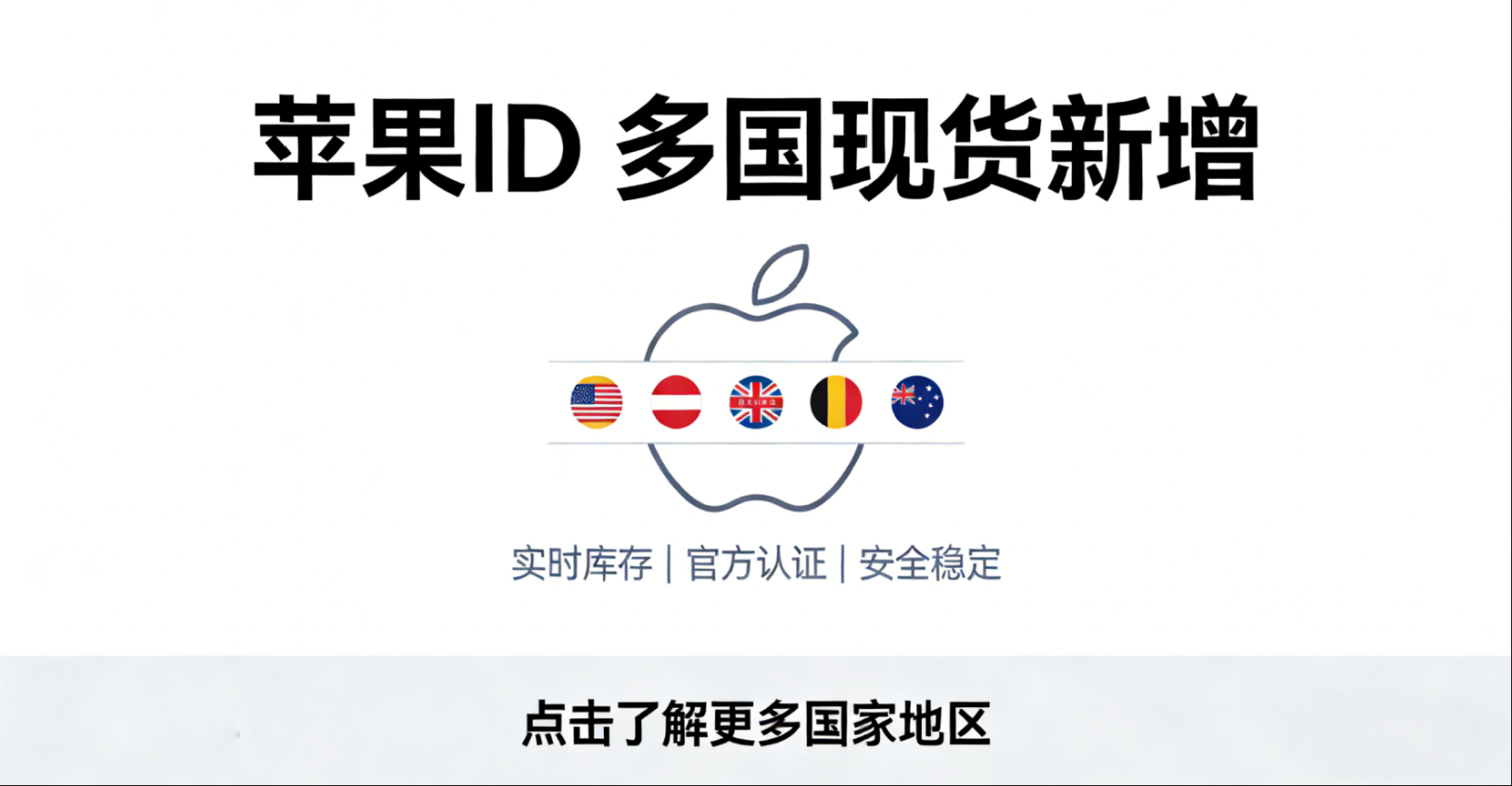
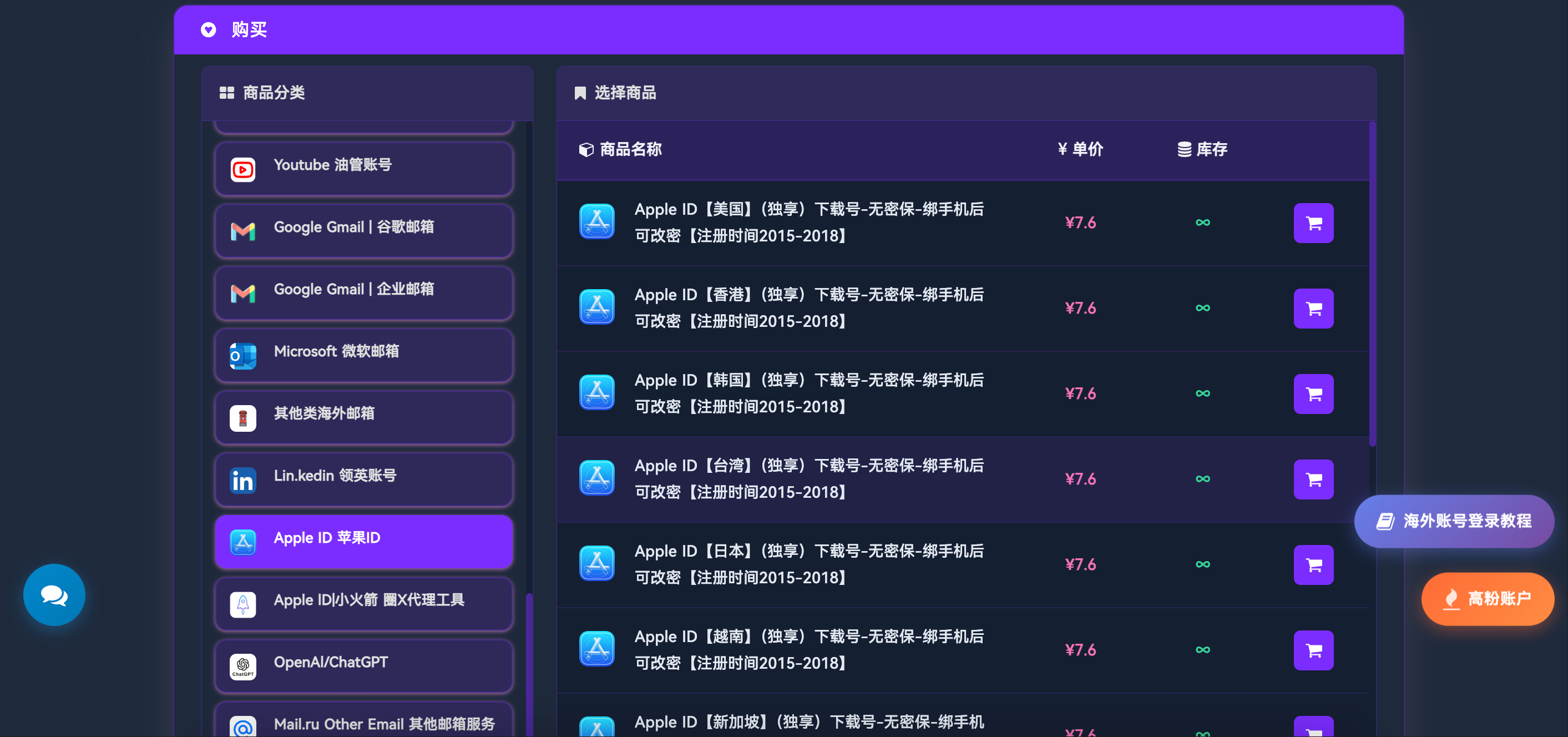
- Comprehensive regional coverage: Popular regions such as the US, Japan, Korea, Hong Kong, Turkey, Singapore, Malaysia, Thailand, Vietnam, and Nigeria are all available in stock
- Instant delivery: No need to wait for the registration process; get account info immediately after payment
- No security questions/recovery design: Accounts are not bound to any phone number or security questions, making it convenient for users to have complete autonomous management
- Customization support: In addition to regular regions, accounts for EU countries, Canada, Australia, Brazil, Mexico, UAE, and other regions can also be customized
- Professional after-sales service: Complete usage guidance and technical support are provided
🎯 Recommended Platform
If you need to quickly acquire Apple IDs from different regions, you can visit a professional account service platform:
👉 TGX Account - Global Multi-Region Apple ID Account Services
The accounts provided by this platform are brand new and without security questions. Upon receipt, users must log in immediately, bind their personal mobile phone number, set up security questions, and change the password. Once these steps are completed, the account belongs entirely to you. This method is particularly suitable for users who need to use accounts from multiple regions simultaneously, saving them from complicated registration processes while ensuring account security and controllability.
Best Practices for Apple ID Management
1. Improve Account Security Settings
After creating or acquiring an account, immediately configure the following security settings:
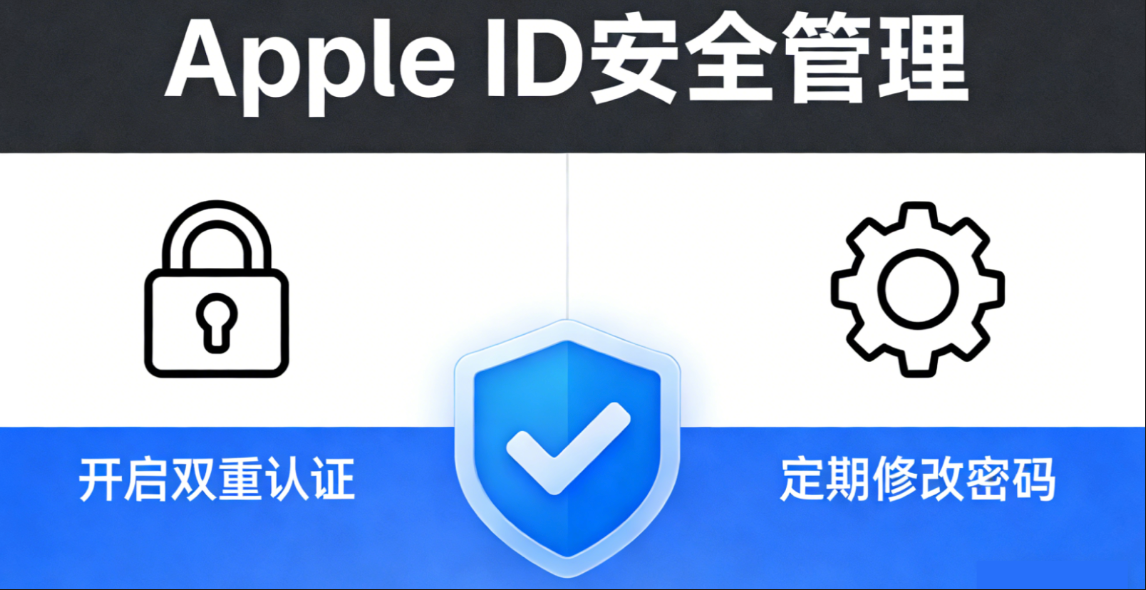
- ✔️ Enable Two-Factor Authentication: This is the most effective way to protect your account
- ✔️ Add a Trusted Phone Number: Used for receiving verification codes and security alerts
- ✔️ Set Up Recovery Contacts: A backup solution when you cannot access your account
- ✔️ Update Security Questions: Choose questions with answers only you know
💡 Important Note: For accounts without security questions acquired from professional platforms, binding personal information is the top priority. The design without pre-set security questions aims to give users full control, avoiding risks associated with original security information, but this also means users must complete security settings as soon as they receive the account.
2. Link a Payment Method
Depending on your region, you can link a credit card, debit card, or use gift cards to top up. Supported payment methods vary by region:
- 💰 Most regions support Visa and Mastercard
- 🏪 Japan supports convenience store payments and carrier billing
- 💵 PayPal is supported in select regions
- 🎁 Gift cards are the best choice for cross-border payments
3. Manage Subscriptions
Regularly check your subscriptions and cancel services you no longer use:
- Open "Settings" > [Your Name] > "Subscriptions"
- View all active subscriptions
- Tap the subscription you want to manage to modify or cancel it
4. Use iCloud Storage Wisely
Every Apple ID comes with 5GB of free iCloud storage space. Plan your usage wisely:
- Back up only important photos and files
- Regularly clean up unnecessary backups
- If you need more space, you can upgrade to a paid plan (50GB/200GB/2TB)
Multi-Account Management Tips
Many users may need to manage multiple Apple ID accounts from different regions for work, study, or content access needs. Here are some practical tips:
Separate Primary and Secondary Accounts
- Primary account: Used for long-term subscription services such as iCloud and Apple Music
- Secondary account: Used to access app stores in specific regions
Precautions for Switching Accounts
- ✅ Switching accounts in the App Store will not affect iCloud data
- ✅ Downloaded apps will be retained, but updates require the original downloading account
- ❌ Avoid frequently switching regions, as this may trigger risk control mechanisms
Frequently Asked Questions (FAQ)
📝 Apple ID Creation Related Questions
Q: What do I need to prepare to create an Apple ID?
A: To create an Apple ID, you need to prepare a valid email address, a mobile phone number (for receiving verification codes), and basic personal information (name, date of birth). If you need to use paid services, you also need to prepare a payment method (credit card, debit card, or gift card). Requirements vary slightly by region, and some regions require a local payment method to complete registration.
Q: Can I create an Apple ID without a phone number?
A: Starting in 2023, Apple requires all newly registered Apple IDs to be bound to a mobile phone number for two-factor authentication. This is to enhance account security. Although it is technically possible to register using an email address, adding a phone number will still be required for many subsequent features.
Q: Can multiple Apple IDs be registered with a single email address?
A: No. Only one Apple ID can be registered per email address. If you need multiple accounts, you need to prepare multiple different email addresses. However, you can add multiple alternative email addresses to the same Apple ID.
Q: Can free email services (such as Gmail, Outlook) be used to register an Apple ID?
A: Yes. Mainstream free email services like Gmail, Outlook, and Yahoo can all be used to register an Apple ID. Apple also provides a free @icloud.com email address, which you can create directly during the registration process.
Q: Can minors create an Apple ID?
A: Yes, but users under 13 require a parent or guardian to create a child account via the "Family Sharing" feature. Users aged 13–18 can create their own accounts, but certain features (such as purchases) may require parental approval.
🌐 Apple ID Region-Related Questions
Q: Can the region of an Apple ID be changed at will?
A: It can be changed, but there are strict restrictions. Before changing regions, you need to:
- ✅ Spend all remaining balance in your current region
- ✅ Cancel all active subscriptions
- ✅ Wait until subscriptions have completely expired
- ✅ Prepare a valid payment method for the new region
Due to the complicated process and waiting periods, many users choose to directly use multiple accounts from different regions.
Q: What are the differences between Apple IDs from different regions?
A: The main differences are:
- 📱 The App Store app library varies, with certain apps only available in specific regions
- 💵 Pricing and currencies differ
- 💳 Payment method requirements vary
- 📊 Subscription service prices vary significantly
- ⚙️ Availability of certain features differs (such as Apple News, Apple Pay)
Q: Why are US Apple IDs the most popular?
A: The advantages of a US Apple ID include:
- ✅ The largest and most complete selection of apps
- ✅ New features and services are usually released first
- ✅ The most comprehensive developer tools
- ✅ The most timely app updates
However, the disadvantages are that some subscription services are more expensive, and a US payment method (credit card or gift card) is required.
Q: How to quickly obtain Apple IDs from different regions?
A: There are three ways:
- Register yourself: Requires a local phone number and payment method for the corresponding region
- Purchase through a professional platform: Instant delivery, covering multiple regions such as the US, Japan, South Korea, Hong Kong, Turkey, Southeast Asia, etc., with support for customizing other regions as well
- Borrowing someone else's account: Not recommended, as there are security risks.
Choosing the second method allows you to visit 👉 TGX Account Platform. Once obtained, simply bind your personal mobile number and security information immediately.
Q: Why is a Turkish Apple ID cost-effective?
A: Due to exchange rates and regional pricing strategies, subscription services such as Apple Music, Apple One, and iCloud storage in the Turkish region are much cheaper than in the US and other developed countries, typically only 30%-50% of the US price. This makes the Turkish Apple ID a popular choice for subscription services.
Q: What kind of users is a Japanese Apple ID suitable for?
A: The Japanese region is suitable for:
- 🎮 Users who like Japanese games and apps
- 🎨 Users interested in anime and manga content
- 📲 Users who need to use exclusive apps from Japan
The Japanese region supports convenience store gift cards, making payments relatively convenient.
Q: What is the difference between a Hong Kong Apple ID and a Mainland China Apple ID?
A: Advantages of the Hong Kong region:
- ✅ Certain restricted apps can be downloaded in the Hong Kong region
- ✅ Chinese interface, similar user habits
- ✅ Can be used normally without a VPN
However, the number of apps in the Hong Kong region is still fewer than in the US region.
Q: What are the characteristics of Apple IDs in Southeast Asia (Singapore, Malaysia, Thailand, Vietnam)?
A: The characteristics of these regions are:
- 🌏 Rich regional specialty apps and games
- 💳 Relatively flexible payment methods
- 💰 Moderate subscription service prices in some regions
- 📍 Suitable for users who need to access localized content in Southeast Asia
Recently, the demand for accounts in regions such as Malaysia and Vietnam has grown significantly.
Q: Which regions' Apple IDs can be customized?
A: In addition to common regions such as the US, Japan, South Korea, Hong Kong, Taiwan, Southeast Asia, and Turkey, professional platforms also support customization for:
- EU countries (Germany, France, UK, Italy, Spain, etc.)
- North America (Canada, Mexico)
- Oceania (Australia, New Zealand)
- South America (Brazil, Argentina)
- Middle East (UAE, Saudi Arabia)
Visit 👉 TGX Account to view the complete list of regions or consult for custom services.
🔒 Apple ID Security FAQ
Q: What is a "No Security Question" Apple ID?
A: "No security question" refers to the initial state where the account has no bound phone numbers, security questions, or other recovery information. These accounts are usually provided by professional platforms. The advantage is that users can independently set up all security information, avoiding risks from original recovery info. Be sure to log in immediately after acquisition to bind your own phone number, set security questions, and change the password.
Q: Are Apple IDs obtained from account service platforms safe?
A: It depends on the reliability of the platform. Legitimate account service platforms provide:
- ✅ Brand new, stable, and usable accounts
- ✅ Clear account information
- ✅ Detailed usage instructions
- ✅ Comprehensive after-sales support
After acquiring the account, users need to immediately complete the security settings to turn it into a fully self-controlled state. Choosing a legitimate platform like 👉 TGX Account ensures account quality and after-sales protection.
Q: What is two-factor authentication? Is it mandatory to enable it?
A: Two-factor authentication is an advanced security measure. Even if your password is leaked, no one can log in without your trusted device or phone number.
🔥 It is strongly recommended to enable it, as this is the most effective way to protect your Apple ID. Once enabled, you will need to enter both your password and a verification code every time you log in on a new device.
Q: How to tell if an Apple ID has been compromised?
A: ⚠️ Warning signs include:
- Receiving login notifications from unfamiliar devices
- Discovering unknown purchase history
- Abnormal usage of iCloud storage space
- Receiving password reset emails (when you didn't initiate them)
- Unfamiliar devices appearing in your trusted devices list
If you notice any anomalies, change your password immediately.
Q: What should I do if I forget my Apple ID password?
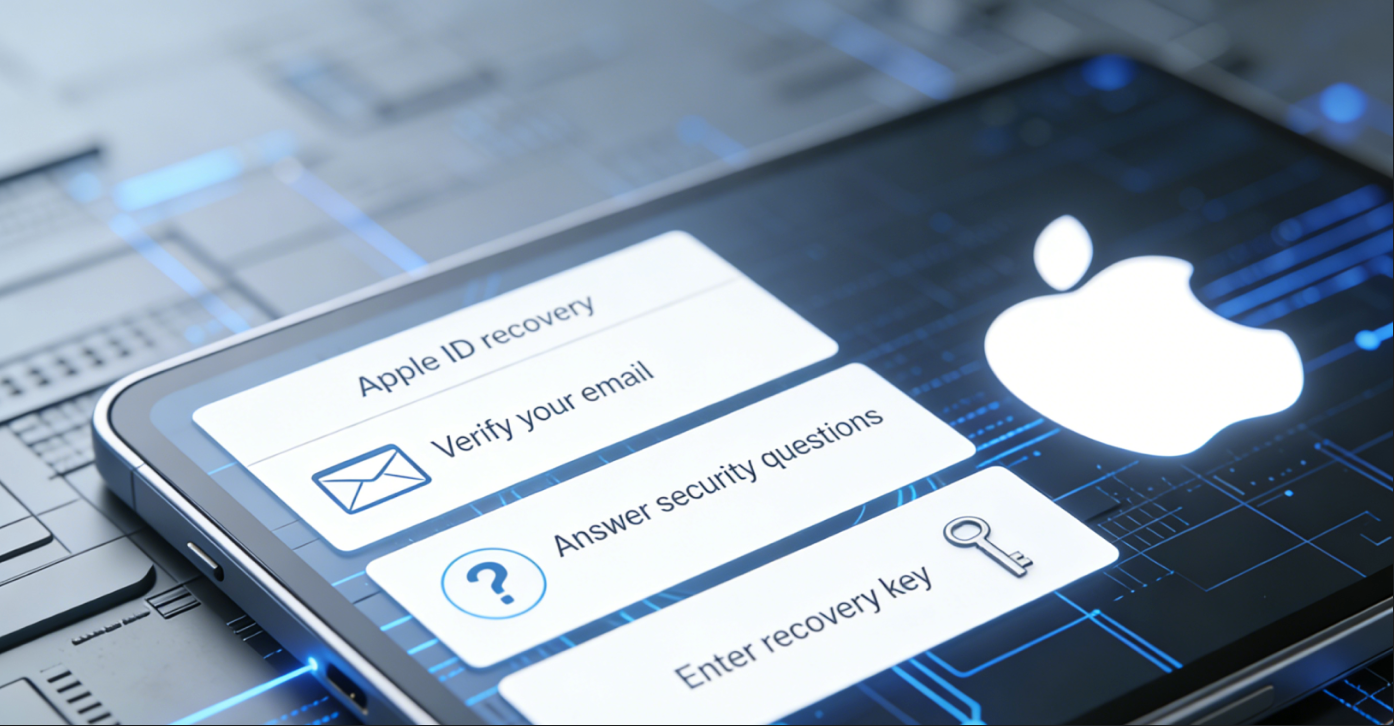
A: Visit iforgot.apple.com and reset your password using one of the following methods:
- Use your registered email to receive a reset link
- Receive a verification code via a trusted phone number
- Use a recovery key
- Reset on other signed-in Apple devices
If all methods fail, you will need to contact Apple Official Support and provide proof of purchase.
Q: How many Apple IDs can be bound to a single phone number?
A: A phone number can be used as a backup contact method for multiple Apple IDs, but it can only be used as the primary contact method for two-factor authentication on one Apple ID. If you need to manage multiple accounts, it is recommended to configure a separate phone number for each important account.
Q: What should I do after receiving a purchased Apple ID?
A: ⚡ Immediately follow these steps:
- ✅ Log in to verify account availability
- ✅ Bind your personal phone number
- ✅ Set or change the password to a strong one
- ✅ Add a recovery email
- ✅ Set up security questions
- ✅ Enable two-factor authentication
- ✅ Check account balance and subscription status
- ✅ Remove any unfamiliar trusted devices
📲 Apple ID Usage Related Questions
Q: Can I log in to multiple Apple IDs at the same time?
A: On the same device:
- Only one Apple ID can be logged in to iCloud
- Services like App Store, iTunes, and iMessage can use different Apple IDs
💡 Common practice: Use your main account to log in to iCloud (for backing up data) and an account from another region to log in to the App Store (to download apps).
Q: Will switching App Store accounts cause data loss?
A: ✅ No. Switching App Store accounts only affects app downloads and updates, and will not affect iCloud data, photos, contacts, etc. Downloaded apps will also be kept, but you will need to log in with the original downloading account when updating them.
Q: What should I do if the App Store shows "This Apple ID has not yet been used in the iTunes Store"?
A: This is a normal prompt for a new account or after switching regions.
Steps to resolve:
- Click "Review"
- Agree to terms and conditions
- Select a payment method (you can select "None")
- Fill in the billing address information to complete activation
Q: Why are some apps unavailable for download in my region?
A: The availability regions of apps are determined by developers. Certain apps are only listed in specific regions due to policy, copyright, or commercial reasons.
💡 Solution: Log in to the App Store using an Apple ID from the corresponding region to download them. For example, the international version of TikTok can be downloaded in the US region, and some Japanese games are only available in the Japanese region.
Q: How to top up an Apple ID from a different region?
A: Main methods:
- Use a credit card from the corresponding region
- Purchase an App Store gift card for that region and redeem it
- Use PayPal (supported in some regions)
- Top up through specialized platforms
🏆 Recommendation: Gift cards are the most convenient method, allowing you to purchase online and redeem immediately.
Q: Can Apple ID balance be transferred or refunded?
A: ❌ No. Apple ID balances cannot be transferred to other accounts, nor can they be withdrawn or refunded. You must spend the balance before changing regions. If there is a tiny amount (like a few cents) that cannot be spent, you can contact Apple Support to request zeroing it out.
Q: If I subscribe to a service in a certain region, can I still use it after switching accounts?
A: Subscription services (such as Apple Music, iCloud storage) are tied to the account. After switching to another account, subscriptions from the original account cannot be used.
💡 Recommendation: Use your main account to subscribe to long-term services, and use other accounts only for downloading apps.
Q: Can multiple Apple IDs share purchased items?
A: Yes, through the "Family Sharing" feature. Up to 6 members can share purchased apps, music, movies, etc.
⚠️ However, please note:
- All members must use accounts from the same region
- Payment methods will be centralized on the organizer's account
- The organizer can see the purchase history of all members
🛒 Questions Regarding Acquiring Apple ID Accounts
Q: Where can I quickly get multi-region Apple IDs?
A: 👉 TGX Account Platform offers ready-to-use Apple IDs from multiple regions including the US, Japan, South Korea, Hong Kong, Turkey, Singapore, Malaysia, Thailand, Vietnam, Nigeria, etc., available for instant purchase and delivery.
In addition to regular regions, we also support customized accounts for EU countries, Canada, Australia, Brazil, Mexico, UAE, Indonesia, the Philippines, and more. All accounts are brand-new with no security questions, allowing users to have full, independent control upon receipt.
Q: What is a "ready-stock" Apple ID?
A: Ready-stock accounts refer to accounts that have already been registered on the platform and are ready for immediate use upon purchase, with no waiting required.
✅ Advantages: Fast acquisition speed, usually delivering account details within minutes after payment.
⚠️ Notice: Ready-stock accounts for exclusive regions (such as the US, Japan, South Korea, etc.) are limited in quantity and may sell out when demand is high.
Q: What should I pay attention to when buying an Apple ID?
A: Precautions:
- ✅ Choose a reputable platform and look for official channels
- ✅ Confirm it is an account without security questions for easy subsequent independent management
- ✅ Understand the region and status of the account (whether it has a balance or active subscriptions)
- ✅ Log in to test and complete security settings immediately after receiving it
- ✅ Save the platform's customer service contact information for inquiries in case of issues
- ❌ Avoid purchasing from unofficial platforms to prevent scams and fraud
Q: Can a purchased Apple ID be recovered by someone else?
A: For accounts without security questions provided by legitimate platforms, theoretically only you can control them once you bind your personal mobile number and security information.
Prerequisite: You must complete all security settings immediately upon receiving the account.
💡 Tip: It is also important to choose a platform that offers comprehensive after-sales protection, such as 👉 TGX Account.
Q: Why are accounts from some regions marked as "Exclusive In-Stock"?
A: "Exclusive" usually means that the platform is one of the few providers that can stably supply accounts for that region.
Accounts from popular regions such as the United States, Japan, South Korea, and Hong Kong are more difficult to register (requiring local payment method verification), so fewer platforms can provide them in stock.
⚡ "Exclusive In-Stock" also means limited quantities. Users in need are advised to acquire them in time.
Q: Why do account prices vary across different regions?
A: Price differences are mainly determined by the following factors:
- Registration Difficulty: Regions like the US, Japan, and South Korea require local payment verification, leading to higher costs.
- Market Demand: Popular regions have high demand and relatively higher prices.
- Account Stability: Accounts from certain regions are more stable and have higher value.
- Supply Quantity: Exclusive or scarce regions have higher prices.
Q: Besides common regions, what other regional accounts can be acquired?
A: In addition to popular regions such as the US, Japan, South Korea, Hong Kong, Taiwan, Southeast Asia, and Turkey, 👉 TGX Account also supports customization for:
- 🇪🇺 EU countries (Germany, France, UK, Italy, Spain, etc.)
- 🇨🇦 Canada
- 🇦🇺 Australia
- 🇧🇷 Brazil
- 🇲🇽 Mexico
- 🇦🇪 UAE
- 🇮🇩 Indonesia
- 🇵🇭 Philippines
Customized accounts usually take 1-3 days. You can contact customer service to discuss specific requirements.
Q: How to contact the customer service of the account service platform?
A: Legitimate platforms usually provide multiple customer service channels. Taking TGX Account as an example, it offers dual channels for official and backup customer support to ensure users receive timely assistance.
Visit 👉 Official Website to view detailed contact information and service descriptions.
🔧 Apple ID Troubleshooting
Q: What to do if it shows "Account has been disabled" when logging into Apple ID?
A: The reasons may be:
- ❌ Entering the wrong password multiple times
- ❌ Account detected abnormal activity
- ❌ Billing or payment issues
- ❌ Violation of Apple's Terms of Service
Solution: Visit iforgot.apple.com to unlock your account, or contact Apple official customer support. For newly acquired accounts, make sure to change the password and bind a mobile number immediately after the first login.
Q: Why can't my Apple ID download free apps?
A: Possible reasons:
- ❌ Account region does not match the current App Store region
- ❌ Billing information needs to be completed
- ❌ Account has unpaid items
- ❌ Age restriction (child accounts require parental approval)
Solution: Check your account in the App Store settings, agree to the terms, and complete the payment information (you can select "None").
Q: Why does it show "Cannot connect to the App Store"?
A: Possible reasons:
- Network issues
- Apple server outage
- Significant mismatch between account region and network IP region
- DNS setting issues
Solution:
- Switch network (4G/5G or Wi-Fi)
- Change DNS to 8.8.8.8 or 1.1.1.1
- Log out of the account and log back in
- Check the Apple system status page
Q: What to do when Apple ID prompts "Cannot create account at this time"?
A: Possible reasons:
- ❌ Too many accounts created on the same device or IP in a short period
- ❌ Used a flagged email or phone number
- ❌ Age information does not meet requirements
- ❌ Regional restrictions
Solution:
- Change device or network
- Use a different email and phone number
- Wait 24-48 hours and try again
- Consider directly obtaining a registered account via 👉 TGX Account Platform
🎯 Conclusion
Correctly creating and managing an Apple ID is the foundation for enjoying Apple services. Whether you choose to register a single-region account yourself or quickly acquire multi-region accounts to access different content via 👉 TGX Account Professional Platform, the core principle is always: Account security comes first.
🔐 Security Reminder
For accounts obtained from an account service platform, be sure to do the following as soon as you receive them:
- ✅ Bind your personal mobile number
- ✅ Set up security questions
- ✅ Change the password
- ✅ Enable two-factor authentication
Fully convert the account into a state under your own control. Choosing a reputable platform (such as TGX Account) can ensure account quality and comprehensive after-sales support.
💡 Final Reminder
Remember: Apple ID is the key to your digital assets. Protecting it means protecting your photos, data, purchase history, and privacy. In 2026, let's manage our Apple IDs the right way and safely enjoy the convenience of the Apple ecosystem!